Team Capacity Planning for Distributed Teams: What 200+ Projects Taught Me

In this article
Most teams treat team capacity planning like a math problem. Add up the developers, multiply by the hours in a sprint, subtract a little for meetings, and you have your number. Then the sprint ends and half of what you committed to didn’t ship.
I’ve run this exercise across more than 200 client projects at Full Scale over the last eight years, and before that as a CTO at my own companies. Here’s what I’ve learned the hard way.
Your capacity number is almost never the problem. The decision you make after you see it is.
Capacity planning is really a forcing function for one question a leader has to answer honestly: can this team deliver what the business is asking for in the time we have, and if it can’t, are we going to cut scope, hire, or bring in help? Most teams do the arithmetic and then refuse to make that call. The board fills up anyway, everyone stays busy, and nothing that matters gets done.
This is doubly true when your team is spread across time zones, which most teams now are. The gap between what you think you have and what you actually have gets wider, and pretending it isn’t there gets more expensive.
What team capacity planning actually measures
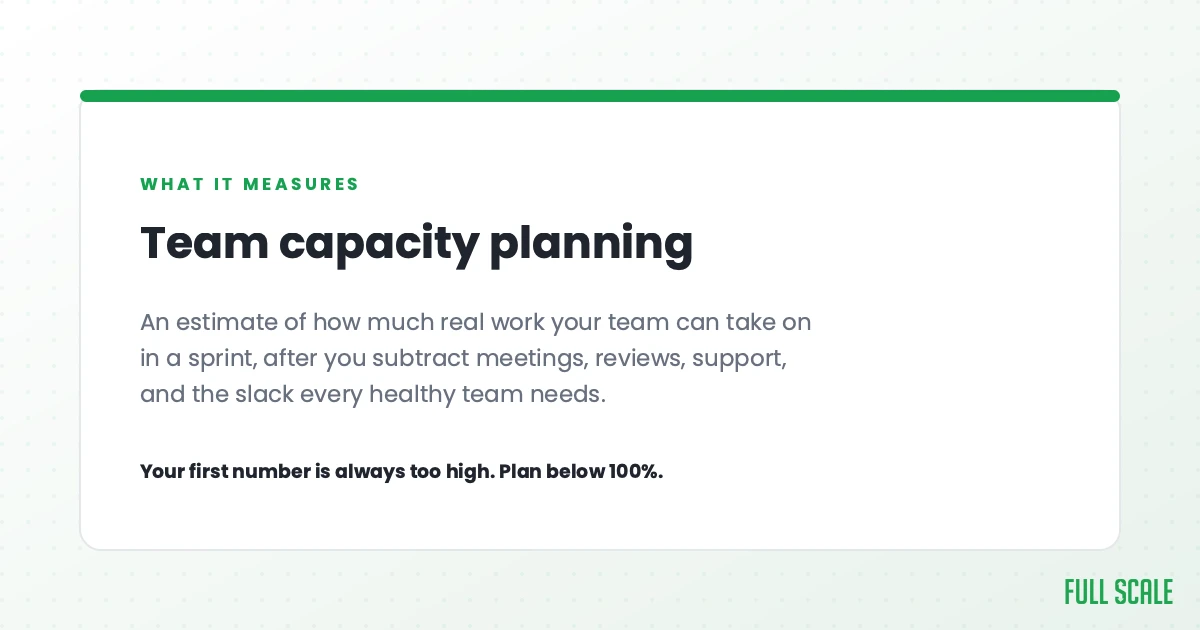
Team capacity planning is the process of figuring out how much real work your team can finish in a given stretch of time. It measures what your team can actually ship once you subtract everything that isn’t writing code, which is a very different number from your headcount.
That distinction is where most plans fall apart.
Say you have five developers on 40-hour weeks. On paper that’s 200 hours of capacity per sprint. I’ve watched teams plan against that 200 and then wonder why they keep missing. The real number, after meetings, code reviews, Slack, context switching, and the bug that blew up on Tuesday, is closer to half that. You didn’t lose those hours to laziness. You lost them to the actual job.
So the first thing capacity planning has to do is tell you the truth about productive hours, not theoretical ones. Available hours are total working hours minus time off, holidays, and the standing overhead every developer carries. What’s left is the only number worth planning against.
The teams that get this right stop treating capacity as a headcount calculation and start treating it as a delivery estimate.
Why your capacity number is always wrong
Two mistakes show up over and over.
The first is confusing capacity with velocity. Velocity is how much your team has historically shipped. Capacity is how much it could ship if everything went right. They are not the same number, and planning with one when you mean the other is how teams overcommit. If you want to go deeper on the velocity side, I wrote about keeping development velocity healthy separately. The short version: velocity is a measurement, not a target, and the minute you turn it into a target people game it.
The second mistake is false precision. You’ll see capacity models that assign a productivity multiplier by seniority: junior developers count as 0.6, mid-level as 0.8, senior as 1.0. It looks rigorous. It mostly isn’t. A senior engineer stuck waiting three days for a decision produces less than a junior who knows exactly what to build. The thing that actually eats capacity is context switching and unclear direction, not a tidy seniority coefficient.
That’s the part the spreadsheets miss.
Here’s how it really fails. The spec isn’t finished, so the sprint fills up with maybes: a half-baked ticket, a “quick win” nobody believes in, a nice-to-have that burns a week and moves nothing. The team stays busy, the board stays full, and nothing that matters ships. I’ve sat in those standups. Everyone is working hard and the product isn’t getting better.
A capacity plan that’s full of the wrong work is worse than no plan at all, because it feels like progress.
This is the same trap I see when teams measure engineering productivity by output instead of impact. The number goes up. The business doesn’t move.
How to actually calculate team capacity
You still need a method. Here’s the one I use for agile capacity planning, stripped down to the parts that matter. It’s also the answer to the question people search for most, how to calculate team capacity in agile, so I’ll keep it concrete.
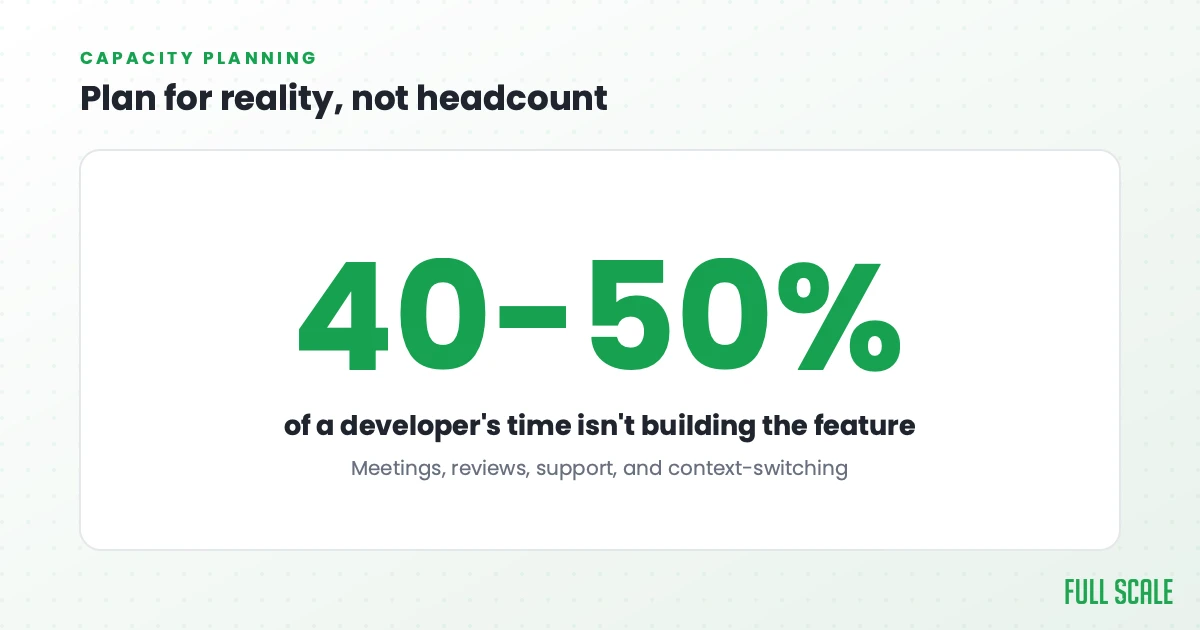
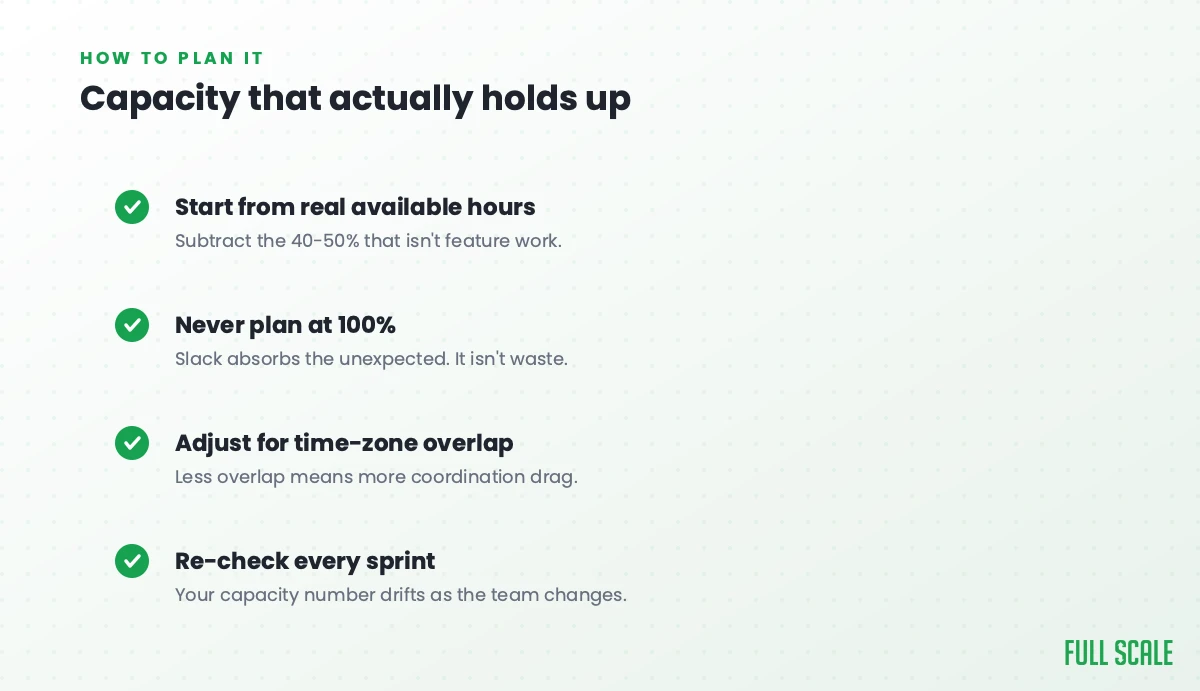
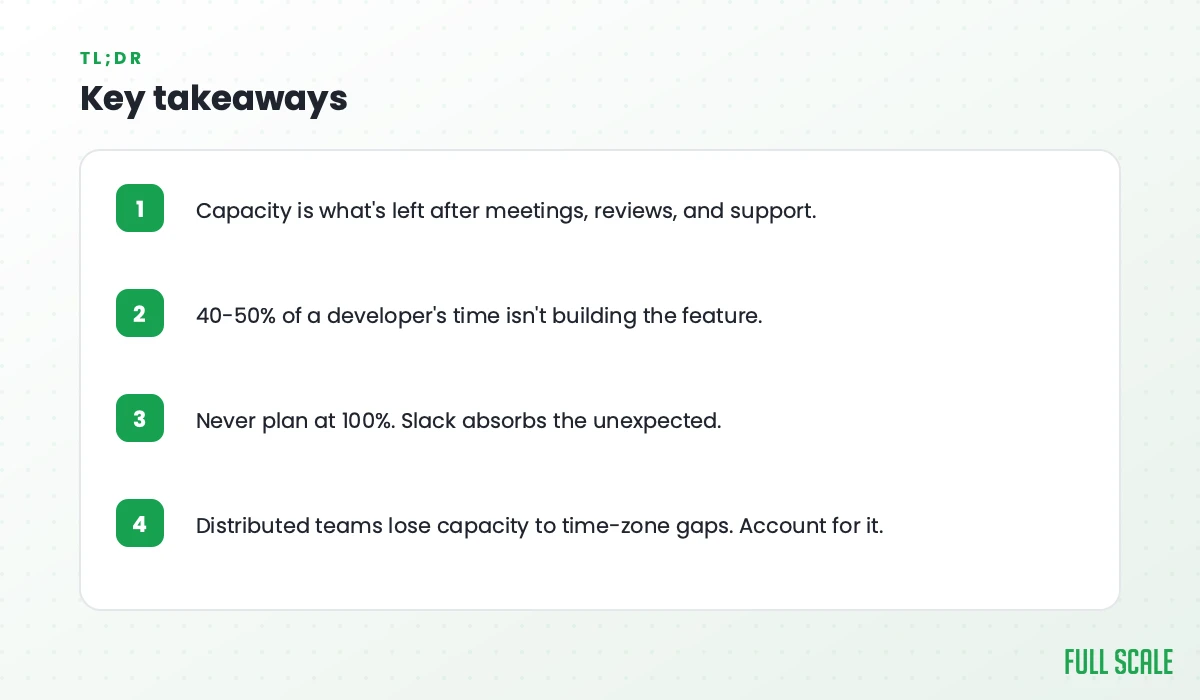
Start with who’s actually on the team this sprint, including part-timers and contractors. Multiply their working days by daily hours to get raw capacity, then take out the known absences, holidays, and planned time off. Now subtract the standing overhead, the meetings, reviews, support rotations, and the rest. A good rule of thumb is that 40% to 50% of a developer’s time goes to things that aren’t building the feature in front of them, so don’t plan as if it doesn’t.
What’s left is your net productive hours. Convert that to story points using your team’s real history, not a wish, and then hold back a buffer for the work you can’t see coming.
Everyone tells you to leave a buffer and not plan at 100%. That’s correct, and it’s also not the real fix. A buffer just hides the gap for one more sprint. The fix is looking at the gap between what the business wants and what the team can deliver and making a decision about it. Planning at 100% with no slack doesn’t make a team faster. It burns the team out and then you have less capacity, not more.
Distributed teams change the math
Almost every team I work with now has people in more than one place. That changes capacity planning in a way the standard guides skip entirely.
The instinct is to dock a flat percentage for being remote, the way you’d dock for meetings. I don’t think that’s the right model. The real cost of a distributed team isn’t time zones on a clock. It’s decision latency. When the person who can answer a question is asleep, the work doesn’t pause for an hour, it pauses until tomorrow. Multiply that across a sprint and your capacity quietly drains, not because anyone is slower, but because the answers are slower.
I learned this before I ever started Full Scale. Back in 2012, at Stackify, I hired a Java team in St. Petersburg through a friend’s agency to build our Linux monitoring agent. I never even interviewed them. It ran for two years and it worked, and it’s the engagement that talked me into offshore in the first place. (To be clear, that was a different world. It was before the war in Ukraine, and I would not hire in Russia today.) What made it work wasn’t a clever capacity formula. It was that the scope was clear and the team could move without waiting on me for every decision.
That’s the whole game with distributed capacity, and it lines up with what seven studies on offshore developer productivity keep finding. The teams that lose the least to distance are the ones where direction is clear enough that nobody is blocked waiting for a time zone to wake up.
This is also why the leadership job matters more than the spreadsheet. In most organizations the bottleneck is how fast and how clearly leadership makes product decisions, not how fast engineering can execute. That idea is the core of the Product Driven approach I write about, and capacity planning is where it shows up most plainly. A team with perfect capacity and fuzzy direction still misses.
When the math says no
Sometimes you do the honest version of engineering capacity planning and the answer is simple: the team cannot deliver what the business is asking for. That’s not a failure of planning. That’s planning working.
Now you have three real options. Cut the scope, hire, or augment the team with people who can start now. Hiring is slow and you know it, three to six months from posting a role to someone actually contributing. Cutting scope is often right, but not always possible. Augmenting is how you add capacity in weeks instead of quarters, and it’s most of what we do at Full Scale.
One warning here, because I see it constantly. When leaders go looking for fast, cheap capacity, they reach for the lowest hourly rate they can find and hire the cheapest developer available. I call this cheapshoring, and it’s a trap. You don’t save money hiring someone who needs everything spelled out and still ships the wrong thing. You spend more, just later and in a worse mood.
The version that works looks like AMC Theatres. When AMC needed to move, they didn’t treat their offshore engineers as a cheaper pair of hands behind a vendor wall. Their CIO, Derrick Leggett, built one integrated team where developers in the Philippines sit in the same standups, use the same tools, and own the same roadmap as everyone else. When the CEO walked in with an idea, the team turned what would have been a six-month estimate into six weeks. One of their engineers rebuilt a mobile app from Xamarin into Flutter on nights and weekends, a rewrite nobody asked for, and shipped in a few months what had been quoted at three years.
That’s what capacity looks like when you add engaged people who own the outcome, instead of headcount you have to babysit.
As Derrick puts it, “Technology’s gone from being a sideshow to being the center of almost everything we do at AMC.” You don’t get there by squeezing a capacity spreadsheet. You get there by closing the real gap with the right people.
If your capacity math keeps coming up short, that’s the conversation worth having. We help engineering leaders add senior developers as an integrated part of their team, usually in a few weeks. It’s the fastest honest answer to “the math says no.”
FAQs: team capacity planning
What is the difference between capacity and velocity in agile?
Capacity is how much work your team could complete in a sprint based on available productive hours. Velocity is how much it has actually completed in past sprints, measured in story points. You use capacity to plan a sprint you haven’t run yet and velocity to sanity-check that plan against your real history. They are related but not interchangeable, and confusing them is the most common reason teams overcommit.
How do you calculate story points capacity?
Take your net productive hours for the sprint (raw hours minus time off and standing overhead), then convert to story points using your team’s historical hours-per-point, not an idealized rate. If your team has averaged six hours of real work per point over the last several sprints, divide your productive hours by six. Always hold back a buffer for unplanned work instead of committing every point.
Why is our team’s capacity planning always wrong?
Usually because the plan is built on theoretical hours instead of productive ones, and because the sprint fills up with low-value work while the real spec is still unclear. A team can hit its capacity number and still deliver nothing that matters. Fix the clarity of what you’re asking for before you fine-tune the arithmetic.
Should we plan at 100% capacity?
No. Planning at 100% leaves no room for the bug, the outage, or the question that takes a day to answer, so you either miss the sprint or burn out the team. Plan to a realistic productive number and keep a buffer. If the buffer keeps disappearing, that’s a signal the team is over capacity and you need to cut scope or add people, not squeeze harder.
How does remote or distributed work affect team capacity?
The biggest hit isn’t time on the clock, it’s decision latency. When the person who can unblock a task is offline, the work waits until they’re back, and that adds up across a sprint. The teams that lose the least to distance are the ones with clear enough direction that engineers rarely have to wait on someone in another time zone to keep moving.
How often should we recalculate team capacity?
Every sprint, at planning, because team composition, time off, and support load change constantly. Revisit the bigger picture (whether you have enough total capacity for the roadmap) quarterly, since that’s the cadence at which you can actually do something about a shortfall by hiring or augmenting.
Let’s figure out your real capacity gap
If you’ve done the honest math and the team can’t deliver what the business needs, that’s worth a conversation. We’ve helped more than 200 companies close that gap with senior engineers who integrate into the team and start in weeks. Tell us what you’re trying to ship and we’ll tell you straight whether augmenting makes sense.