How to Upgrade Your PHP Version Without Taking the Site Down

In this article
PHP versions go end of life on a predictable schedule: roughly two years of active support, then one more year of security fixes, and after that nothing. If your application is running on a PHP version past that window, you’re on an unpatched runtime, you’re missing years of large performance gains, and you’re slowly painting yourself into a corner where the upgrade gets harder the longer you wait. The good news is that upgrading your PHP version is one of the more mechanical upgrades out there, and with the right approach it doesn’t require a scary cutover.
I run Full Scale, and we staff the engineers who do this work. Here’s the honest version of how to upgrade a PHP version safely, what tends to break, and how to keep the site up the whole time.
Why upgrading your PHP version matters more than it looks
This isn’t just about staying current for its own sake:
- Security. Once a PHP version is past its security-support window, vulnerabilities found in it are never patched. That’s the non-negotiable reason.
- Performance. Modern PHP is dramatically faster than the PHP of a few years ago. The PHP 7 series was a major leap, and PHP 8 added the JIT compiler and further gains on top. Staying on an old version leaves real speed, and real hosting cost, on the table.
- Dependencies. Frameworks and libraries drop support for old PHP versions, so an outdated runtime freezes you on outdated, unmaintained packages.
- Hiring and tooling. The whole modern PHP toolchain assumes a current version, and engineers don’t want to work against a dead one, especially once you’ve confirmed PHP is still relevant enough to keep hiring for.
What tends to break when you upgrade
Most PHP upgrades are smoother than teams fear, but each major version removes deprecated features and tightens behavior. The usual sources of work:
- Removed and deprecated functions. Functions deprecated in one version get removed in the next, so code leaning on them stops working.
- Stricter type handling. Newer PHP is less forgiving about loose type juggling and passing the wrong types, which is good for correctness but surfaces latent bugs.
- Changed error behavior. Things that used to emit a warning now throw, so code that quietly limped along can start failing loudly.
- Extension and dependency versions. Your framework, your Composer packages, and any C extensions all need versions that support the target PHP, and that compatibility check is often the real scope of the job.
The pattern here is familiar from every migration: the mechanical changes are easy, and the risk is the behavioral changes that used to be tolerated and now aren’t.
The upgrade plan that keeps the site up
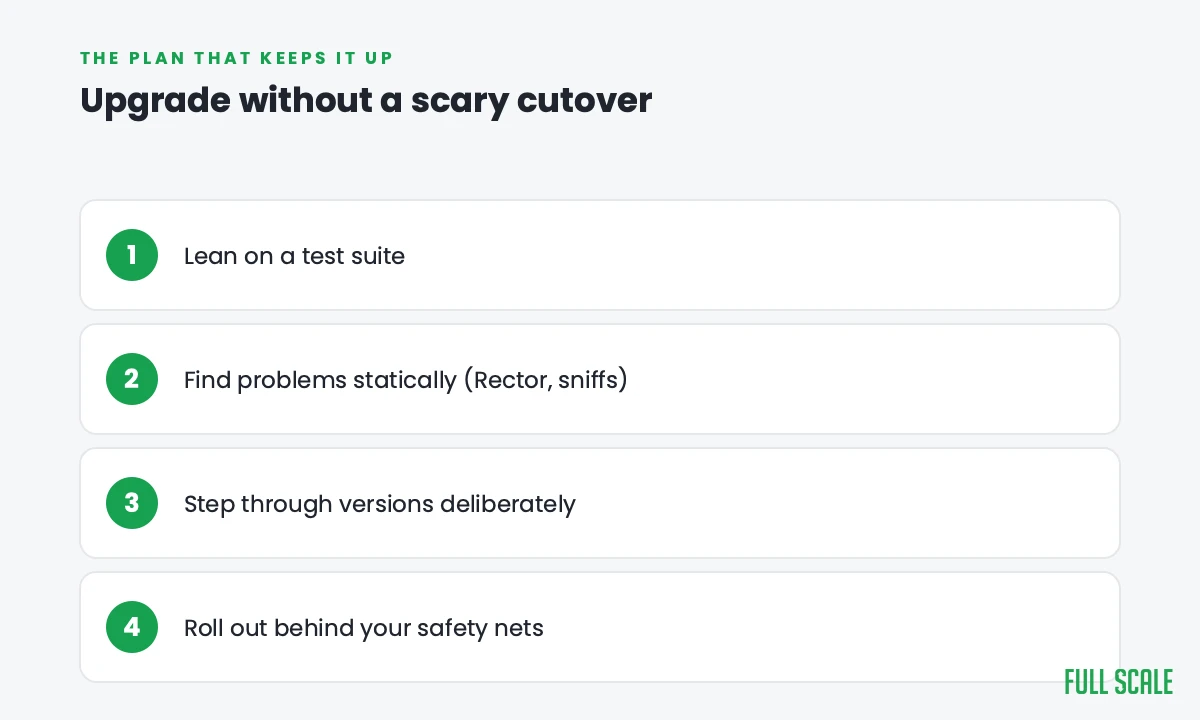
A PHP version upgrade is a great candidate for an incremental, test-driven approach rather than a hold-your-breath cutover:
- Lean on a test suite. Automated tests are what let you upgrade confidently, because they catch the behavioral changes that don’t announce themselves. If coverage is thin, building it is the real first step.
- Find the problems statically, before runtime. Tools like PHPCompatibility (a PHP_CodeSniffer ruleset) and Rector scan your codebase against the target version and flag, and in many cases automatically fix, the incompatibilities. This turns “find out in production” into a checklist you work through up front.
- Step through versions deliberately. When jumping several releases, going version by version is often safer than leaping straight to the newest, because each hop has a smaller, well-documented set of changes.
- Roll out behind your existing safety nets. Stage it, test it, and deploy with the ability to roll back, so the upgrade is a controlled change rather than a gamble.
That incremental discipline is the same Strangler-style thinking that keeps any rebuild from taking the business down. If your PHP situation is less “bump the version” and more “this codebase needs to be rebuilt,” that’s a different and bigger decision, the one we lay out in refactor vs rewrite.
How AI changes a PHP version upgrade
AI fits this migration well, because so much of it is pattern-matching against a known set of changes. AI can read your PHP code, explain what a deprecated call did, and propose the modern replacement, which pairs naturally with tools like Rector that already automate a lot of the rote rewriting. Together they take most of the tedium out of the upgrade.
The usual caveat holds. AI-generated code carries real bug and security risk, and the dangerous changes in a PHP upgrade are the subtle behavioral ones around types and error handling. So AI and automated tooling accelerate the work while a senior engineer owns the test strategy and reviews the edge cases. The broader set of ways these projects go wrong is in application modernization challenges.
Who should do the work
A PHP version upgrade is a good fit for adding experienced engineers to your team rather than outsourcing it, because the person who upgrades the runtime should be someone who sticks around to keep it current next time. Full Scale places senior PHP developers who work in your repo and your standups, so the knowledge of your codebase’s quirks stays in-house. If you’re hiring for the PHP side, our PHP developer job description covers what to look for.
Frequently asked questions
How often do I need to upgrade my PHP version?
PHP versions get about two years of active support followed by one year of security fixes, so planning to move up roughly every couple of years keeps you on a supported, patched runtime. Falling behind that window means running on a version that no longer receives security fixes.
What breaks when you upgrade a PHP version?
Mainly removed deprecated functions, stricter type handling, and changed error behavior where things that used to emit warnings now throw. Your framework, Composer packages, and any extensions also need versions compatible with the target PHP, and that dependency compatibility is often the largest part of the work.
How do I find PHP compatibility problems before they hit production?
Use static analysis tools that scan your code against the target version, such as PHPCompatibility for PHP_CodeSniffer and Rector. They flag incompatibilities and in many cases fix them automatically, turning surprises in production into a checklist you work through before deploying.
Should I upgrade PHP one version at a time or jump to the latest?
When you’re several releases behind, stepping through versions one at a time is usually safer, because each hop has a smaller and well-documented set of breaking changes. Jumping straight to the newest release is possible but concentrates all the behavioral changes into a single, harder-to-debug step.
Is upgrading PHP worth the performance gain alone?
Often, yes. Modern PHP is significantly faster than older releases, with the PHP 7 series and the PHP 8 JIT compiler delivering large improvements, which can reduce response times and hosting costs. Combined with the security and dependency reasons, the performance gain usually makes the upgrade an easy business case.
The longer you wait, the harder the jump
Upgrading your PHP version is one of the most tractable upgrades there is: a known set of changes, mature tooling that finds the problems for you, and an incremental path that keeps the site up. The only thing that makes it hard is putting it off until you’re many versions behind and everything changes at once.
If you’d rather do it with engineers who’ve upgraded production PHP before, that’s what we do. Talk to us about your upgrade, and we’ll tell you honestly what it’ll take.