How to Write a Bug Report Your Distributed Team Can Actually Use

In this article
- Treat every bug like a crime scene
- Record the crime scene before you write a word
- What your case file needs to reconstruct the bug
- Severity and priority are not the same thing
- One bug, one report
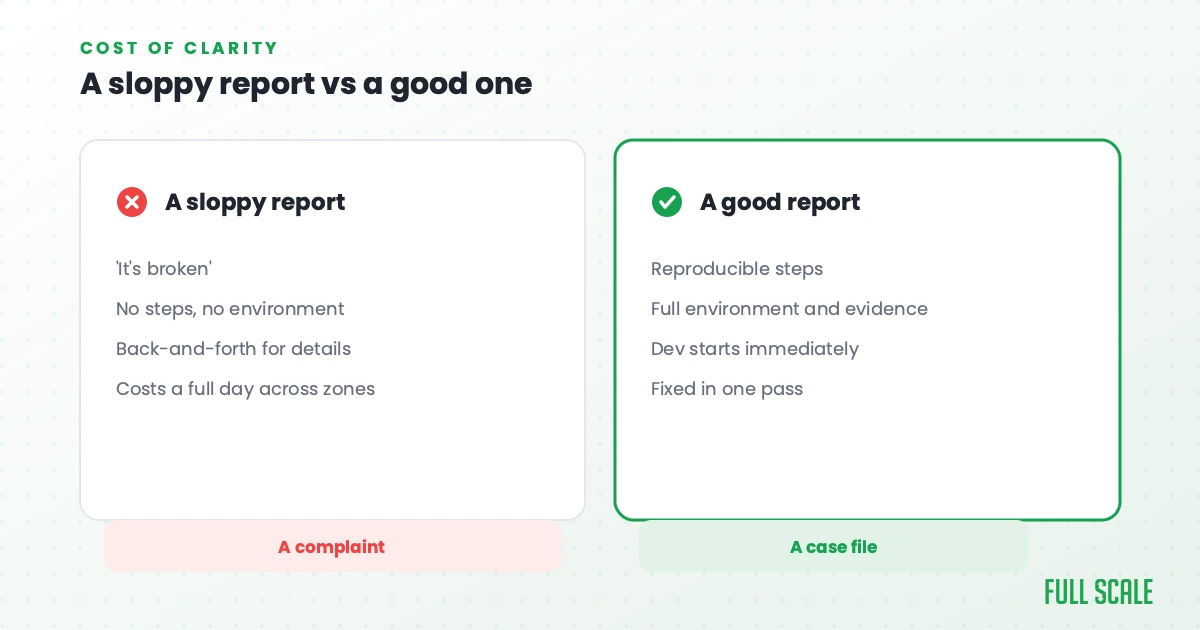
- A sloppy bug report costs a distributed team a full day
- A bug report template you can steal
- Frequently asked questions
- Stop writing complaints and start filing case files
If you run a distributed engineering team, you already know the moment. A teammate files a bug, logs off, and the developer who picks it up is half a world away. The report says “the page is broken.” Now a full day is gone before anyone has even reproduced the problem, because the only thing that crossed the time zone gap was a sentence nobody can act on.
I built a company specifically for finding and fixing bugs in production. Stackify gave engineers logs, errors, and performance traces in one place, because the old tools only told you the server was on fire. They never told you which line of code lit the match. Before that I co-founded VinSolutions and ran it as chief technology officer (CTO), debugging production with almost no visibility. And these days I run Full Scale, where the person who finds a bug and the person who fixes it are often 14 hours apart. I have watched a weak bug report stall a team on every one of those.
Picture the developer who opens that report. They weren’t there when it broke. They didn’t see what you saw. All they have is your words, and from those words they have to rebuild the whole event. That’s the same job a detective has walking into a room after the crime is already over.
A bug is a crime that already happened. Something went wrong, the evidence is scattered across logs and screens and the database, and the person who has to solve it wasn’t in the room. A bug report is the case file. When the file is good, the developer reconstructs what happened and goes straight to the fix. When it’s a single blurry witness statement, they have to re-interview everyone, and that’s where the days disappear.
So here’s the bug-reporting standard I hold my own teams to, and how to get yours writing reports that actually get fixed, fast.
Quick Answer: A bug report is a case file, not a complaint: a written record that lets a developer reconstruct exactly what went wrong without needing to ask follow-up questions. The strongest bug reports lead with a short screen recording, then include the steps to reproduce, the expected result versus what actually happened, and the environment it occurred in. On a distributed team, where the person who finds a bug and the person who fixes it may be many hours apart, a complete report is the only thing that crosses the time zone gap. Full Scale trains every engineer to report and triage bugs this way.
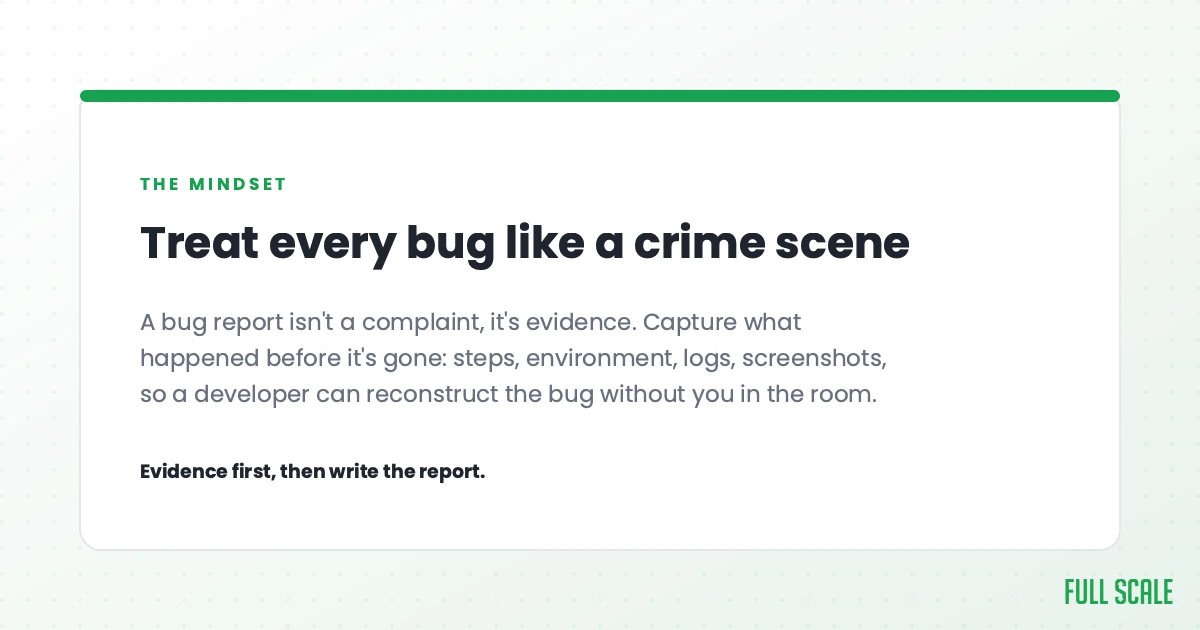
Treat every bug like a crime scene
The mental model changes everything. Stop thinking of a bug report as a complaint, and start thinking of it as a case file you’re handing to a detective.
A detective doesn’t solve a crime from one angle. They check the scene, they pull the security footage, they talk to the witnesses, they look at who came and went. You work a bug the same way, from every angle at once.
- The logs are your security footage. They show what the system was doing at the moment it happened.
- The user is your witness. They saw the thing nobody else did.
- The database is the scene itself. What state was the data actually in?
- The code is the suspect’s history. What changed, and when?
- The last deploy is the timeline. A crime that started Tuesday afternoon usually has something that shipped Tuesday morning.
Most bug reports fail because they only cover one of those angles. “The page is broken” is a witness saying “something bad happened” and nothing else. Your job when you write a bug report is to give the detective enough to reconstruct the crime without dragging every witness back in for questioning.
Record the crime scene before you write a word
If you take one thing from this, take this: the single best thing you can do for a developer is record a short video of the bug.
A 60-second screen recording beats three paragraphs of careful description, every time. Tools like Loom make it a one-click thing. You hit record, you reproduce the problem, you talk through what you’re doing, and you send the link.
Here’s why video wins. When people write a bug report, they describe what they think is relevant. The problem is they don’t know what’s relevant, because they’re not the one fixing it. They leave out the tiny detail that turns out to be the whole case. A video doesn’t have that problem. It captures everything, including the things the reporter didn’t think to mention, in the exact order they happened.
The developer gets to watch the crime happen instead of reading a secondhand account of it.
When you record, narrate as you go. Say what you expected, click through the steps, and point out the moment it goes wrong. If there’s an error on screen, slow down and let it show. A video of a confused user clicking around for thirty seconds and then hitting the bug is worth more than a perfectly written report that’s missing one step.
This one habit, getting your whole team to record bugs instead of typing them up, will do more for your resolution times than any tool or template you could roll out. It is the cheapest process change a team lead can make.
What your case file needs to reconstruct the bug
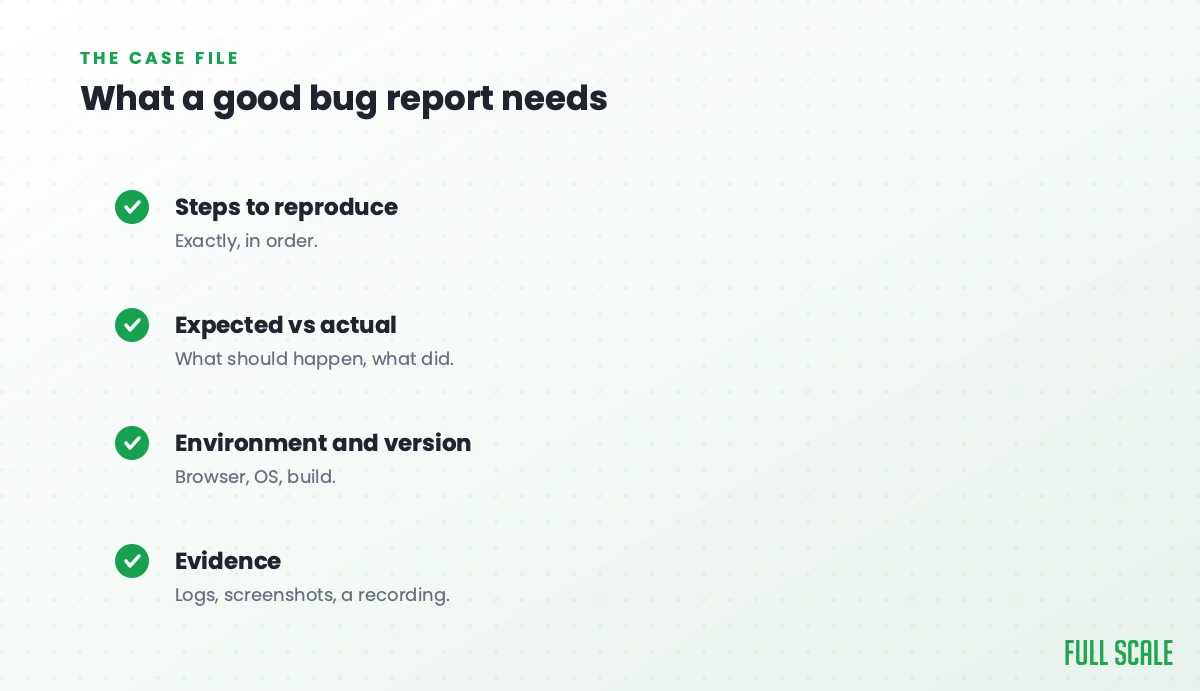
Video is the best evidence, but a complete case file has more in it. Here’s what a developer needs to work the scene.
A title that reads like a case-file label
The developer is scanning a queue of fifty tickets. The title alone should tell them what broke, where, and when it happens. “Login broken” is useless. “Google sign-in fails on redirect for new users on mobile Safari” tells the detective what case they’re walking into before they open the file.
Reproduction steps that retrace the suspect’s path
Number the steps, and start from a known state. Not “go to the broken page,” but “1. Log in as a standard user. 2. Open the billing tab. 3. Click Download Invoice.” The test is simple: could someone who has never seen this bug follow your steps and watch it happen? If they can’t reproduce it, the developer can’t either, and the case stalls.
Expected versus actual result
Spell out both. What should have happened, and what actually happened. This sounds obvious and it’s the part people skip most. “It’s broken” assumes the developer already knows what “working” looks like from your seat. Often they don’t. Write the expected result down so everyone is solving the same crime.
The evidence locker
Stack the evidence in order of value, starting with the video. After that come screenshots of the error with the relevant part circled, then the logs and error messages pasted as text so they stay searchable. Export the network calls from your browser’s developer tools as an HTTP Archive (HAR) file, and capture the database state if you can see it. Tools like Sentry grab a lot of this automatically and attach the stack trace for you, which is worth setting up if you haven’t. Good technical documentation of a recurring bug also saves the next person from working the same scene twice.
The timeline and the alibi
Note the environment: the browser, the device, the operating system, and the app or build version the user was on. Then note the timeline. When did it start? What shipped right before that? A bug that appeared this morning and a deploy that went out last night are almost always the same story, which is why solid release practices make bugs easier to trace back to their source. Recent changes are the first place a good detective looks.
Severity and priority are not the same thing
This is the distinction that trips up most teams, and it is the one a team lead has to settle, because you are the one who owns the queue and lives with the triage.
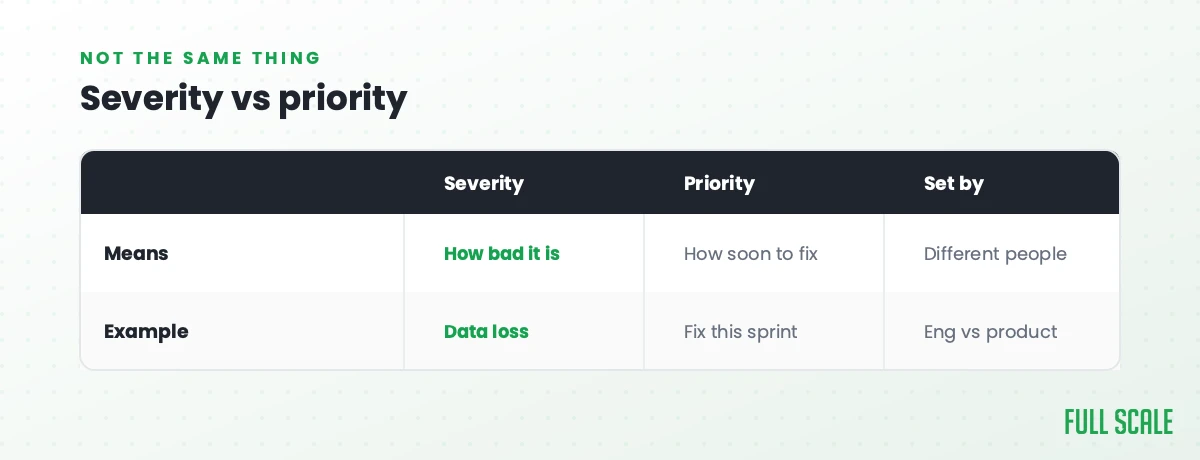
Severity is how bad the crime is. Priority is how fast you respond to it. They answer different questions, and a bug can score high on one and low on the other.
| Severity | Priority | |
|---|---|---|
| The question | How much damage does it do? | How soon must we fix it? |
| Decided by | Technical impact | Business impact |
| High example | App crashes on launch | Wrong price on a page during a sale |
| Low example | Typo in a tooltip | Cosmetic glitch on a page nobody visits |
A typo on your pricing page is low severity and high priority, because it’s cheap to fix and it’s costing you sales right now. A rare crash in one internal admin tool might be high severity and low priority. When a reporter marks everything “critical,” the labels stop meaning anything and triage falls apart. If you run a remote or distributed team, agree on what these levels mean up front, so “high priority” means the same thing to everyone.
One bug, one report
Don’t bundle three crimes into one case file.
When a report says “the dashboard is slow, and also the export is broken, and the avatar won’t upload,” it can’t be tracked, triaged, or closed cleanly. Each problem has its own cause, its own fix, and its own priority. File them separately. It feels slower for the person writing them up, but it keeps the whole queue honest and stops one unsolved issue from holding three others hostage, which is exactly the kind of mess that piles up fastest on a team you can’t see in person.
A sloppy bug report costs a distributed team a full day
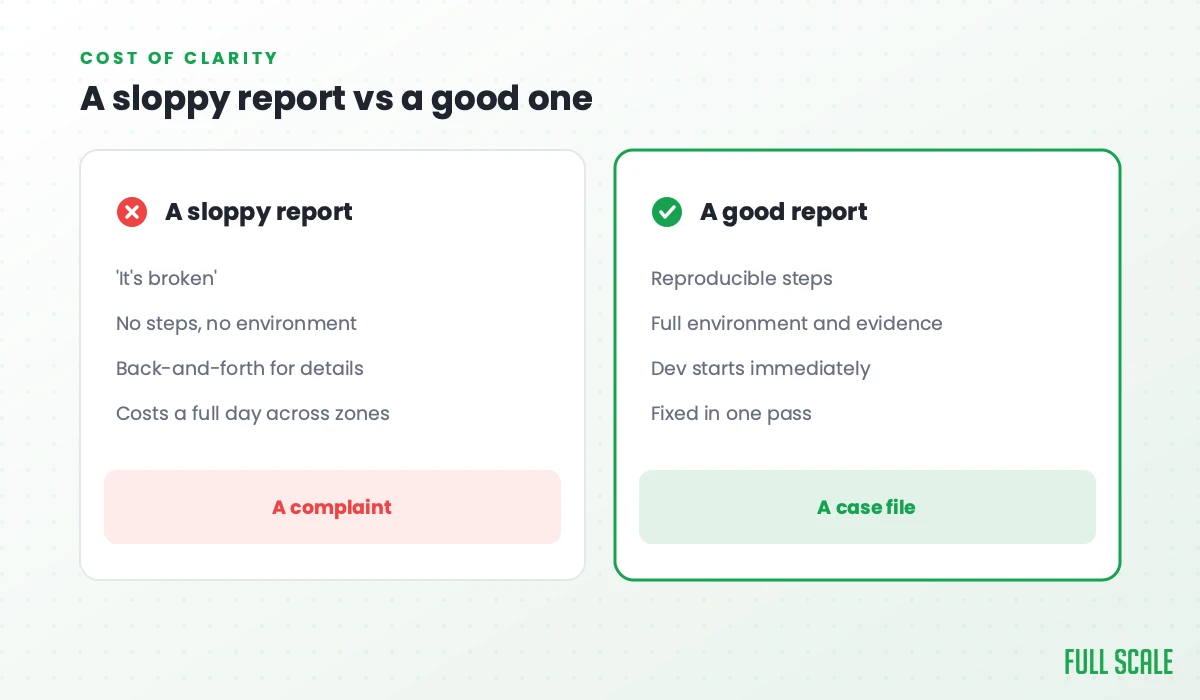
On a team that sits in one room, a weak bug report is only annoying. The developer walks over to your desk and asks what you meant. Five minutes later they’re unblocked.
On a distributed team, that same missing detail costs a full day.
When the person who finds the bug and the person who fixes it are 14 hours apart, nobody can walk over to a desk. A vague report goes out, the developer wakes up, reads it, can’t reproduce it, asks a question, and moves on to other work. You wake up, answer the question, and a 60-second video would have closed the case before it ever cost a full day of velocity. On a distributed team the report is the handoff itself, the only thing crossing the time zone gap while half the team sleeps.
I learned this running Stackify. Our Philippines team handled production support overnight, because the 14-hour difference meant they were awake while Kansas City slept. It worked because the information moving between the two sides was complete. A handoff with holes in it stalls the clock for everyone until the next overlap window.
A bug report is really just communication under pressure, and good software depends on clear communication far more than raw coding speed. That’s the whole argument of my book, Product Driven, and it’s why we train every engineer and software tester at Full Scale to report bugs this way.
AMC Theatres runs like this with us across four countries. Their chief information officer put it best: “It’s a fully integrated team. It’s just some of the people happen to be living in the Philippines.”
A bug report template you can steal
Here’s a simple case-file template. Copy it, drop it into Jira, Linear, or wherever you track work, and make it the default.
Title: [What broke] + [where] + [when it triggers]

Video: [Loom link, record it first]

Environment:
- Browser / device / OS:
- App or build version:
- User type / account:

Steps to reproduce:
1.
2.
3.

Expected result:
Actual result:

Evidence:
- Screenshots:
- Error messages / logs:
- Network calls (HAR):

Severity (damage): Critical / High / Medium / Low
Priority (urgency): Now / This sprint / Backlog

When did it start / what shipped recently:
Here’s the same template filled in, so it’s not abstract.
Title: Google sign-in fails on redirect for new users (mobile Safari)

Video: loom.com/share/abc123

Environment:
- iPhone 15, iOS 18.2, Safari
- App build 4.7.1
- New user, first login attempt

Steps to reproduce:
1. Open the app login page on mobile Safari
2. Tap "Sign in with Google"
3. Complete Google login
4. Watch the redirect back to the app

Expected result: User lands on the dashboard, logged in.
Actual result: Blank screen, console shows AUTH_CALLBACK_FAILED.

Evidence:
- Screenshot of blank screen and console error attached
- HAR export attached, failed callback request highlighted

Severity: High (blocks all new mobile sign-ups)
Priority: Now

Started this morning, right after the auth service deploy last night.
That’s a case file a detective can actually work. Notice how much of it points at the likely suspect before anyone touches the code.
Frequently asked questions
What makes a good bug report?
A good bug report lets a developer reconstruct the problem without asking you a single follow-up question. The fastest way to get there is a short screen recording of the bug happening, backed by clear reproduction steps, the expected versus actual result, and the environment it occurred in. Think of it as a case file, not a complaint.
What should every bug report include?
At minimum: a specific title, numbered steps to reproduce, what you expected to happen, what actually happened, and supporting evidence like a video, screenshots, and error logs. Add the environment details such as browser, device, and version, and note anything that shipped right before the bug appeared, since recent changes are usually the cause.
What’s the difference between severity and priority in a bug report?
Severity measures how much damage the bug does to the system. Priority measures how urgently it needs to be fixed from a business view. They’re separate, and a bug can be high on one and low on the other. A typo on your pricing page is low severity but high priority, because it’s cheap to fix and costing sales right now.
Should non-engineers write bug reports?
Yes, and they often write the most useful ones, because they describe the real user journey. A non-engineer doesn’t need technical depth to file a great report. A clear screen recording, the steps they took, and what they expected to see give a developer almost everything they need to start working the problem.
How detailed should a bug report be?
Detailed enough to reproduce the bug, and no more. The goal isn’t volume, it’s a clean reconstruction. A 60-second video plus a few precise steps usually beats a long written essay, because it shows the exact sequence instead of describing it. If a developer can follow your report and watch the bug happen, you’ve included enough.
Stop writing complaints and start filing case files
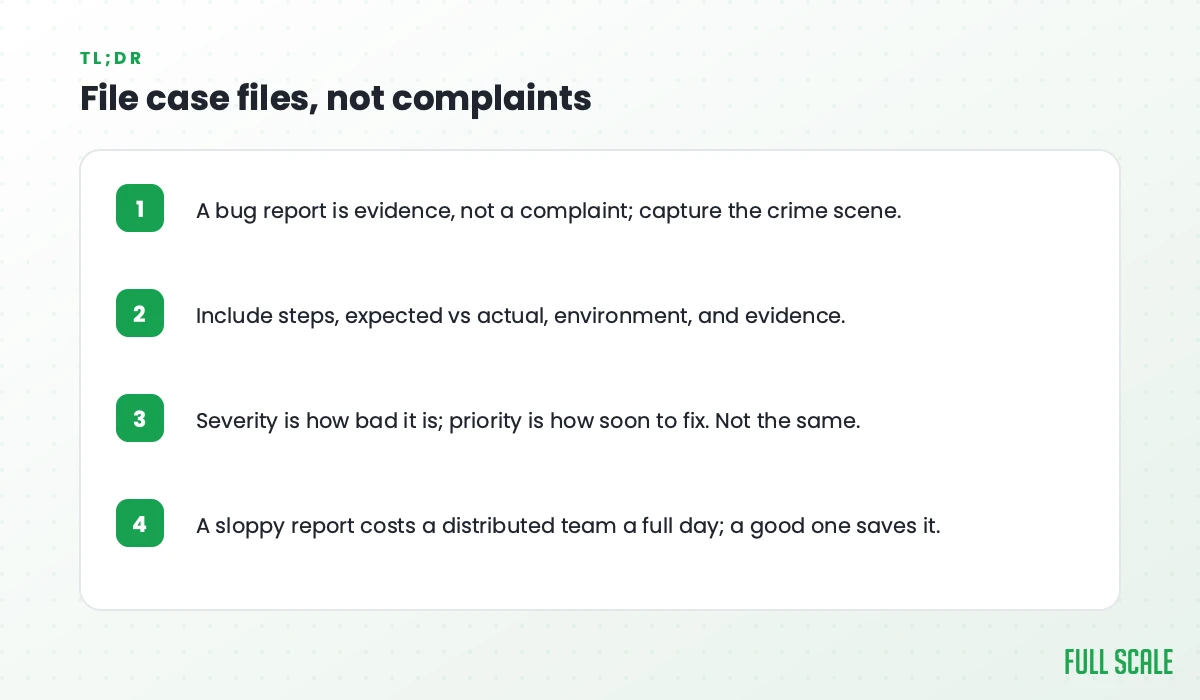
The difference between a bug that gets fixed in an hour and one that drags on for a week usually isn’t the code. It’s whether the developer could see what you saw.
Give them the crime scene. Record the video, stack the evidence, retrace the steps, and point at what changed. Do that and the fix tends to take care of itself.
If you are building out a distributed team and want engineers who already report bugs like this, with the handoff discipline baked in, schedule a call with Full Scale and we’ll talk through what your team needs.