Why Use Feature Flags? Because of AI!

In this article
- What feature flags actually are
- Why use feature flags? Because deploy should not mean release
- AI changed the math on shipping code
- The benefits of feature flags, concretely
- The deployment pullback ratio
- Feature flags have a cost, and it is called flag debt
- A safety net is not a substitute for good engineers
- Frequently asked questions
- Ship faster without shipping chaos
Picture the old version of deployment day. The team stands in a circle, staring at each other, asking, “Are we sure we want to do this?” You kick off the release and immediately go into reaction mode, watching the dashboards, waiting for something to break. Shrinking the blast radius of a risky change is exactly what flags are for.
Now picture that same day, except AI wrote most of the code you are about to ship.
That is the world we are in. When a machine generates the majority of your new code and you are reviewing far more of it than your team actually typed, the old “deploy and pray” routine stops being scary and starts being reckless. Feature flags are how you ship fast without betting the business on every release. Flags are one piece of a wider deployment automation approach that keeps releases small and reversible.
They used to be a nice-to-have. AI made them close to mandatory. Here is why.
Quick Answer: Feature flags are on/off switches in your code that separate deploying code from releasing it to users, letting a team ship a bad feature turned off, then flip it on gradually or kill it in seconds instead of scrambling through a full rollback. They went from nice-to-have to close to mandatory because AI now writes a large share of new code, and roughly 45% of AI-generated code carries a known security flaw, so teams are shipping far more code than they've reviewed line by line. Full Scale's senior engineers build flags and release discipline into every AI-assisted delivery, not just fast typing.
What feature flags actually are
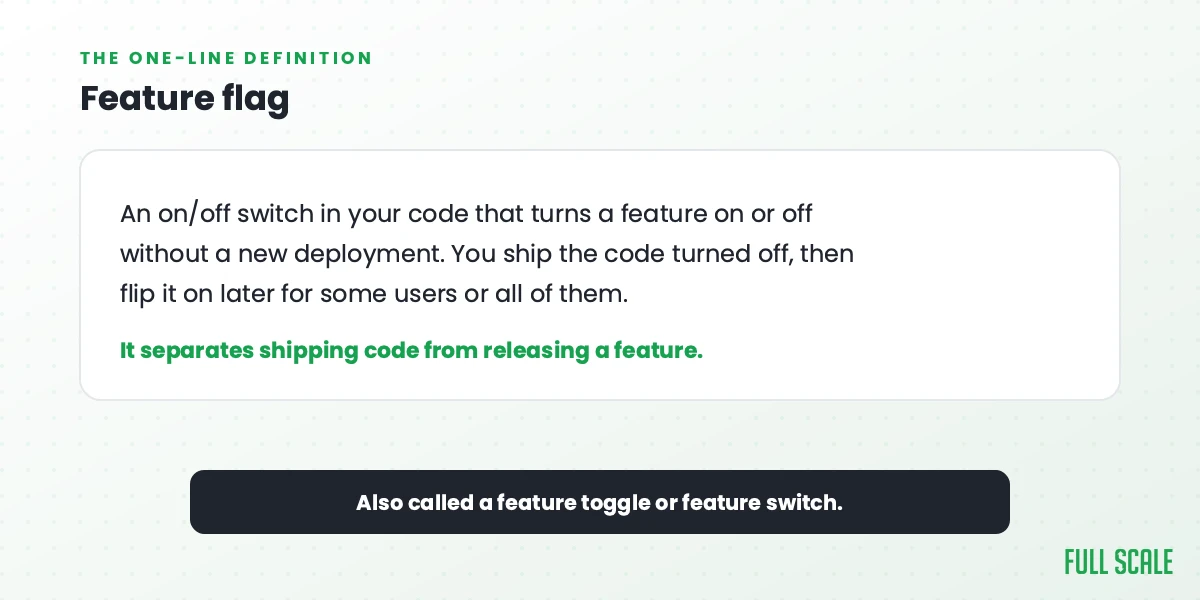
A feature flag, also called a feature toggle or feature switch, is a conditional wrapped around a piece of code. The code ships to production turned off. You flip it on later, for some users or all of them, without deploying anything new.
That is the whole trick. The flag separates two things most teams treat as one: shipping code and releasing a feature.
Mechanically, it is simple. The flag’s on/off state lives somewhere your app can read at runtime, either in a config file or in a feature flag management service. Each time the code runs, it checks the flag and decides what that user sees. Targeting rules let you turn a feature on for one customer, one percentage of traffic, or everyone. A hard-coded if statement can do the basic version, but management services exist so you can flip a flag without a deploy, see who has it on, and keep an audit trail.
Not every flag does the same job. Most fall into four buckets: short-lived release flags that hide a feature until it is ready, kill switches you keep around to disable something fast, experiment flags for A/B tests, and permission flags that gate features by plan or user. The first kind is meant to be deleted once the feature is live. The rest can stick around on purpose.
Without flags, deploying code means releasing it. The moment your code hits production, every user gets the change, and if it breaks, your only option is to roll the whole release back. With flags, you can merge unfinished work into your main branch safely, deploy it dark, and decide later who sees it and when. If the new feature misbehaves, you toggle it off. No emergency deploy at 2 a.m.
If you have built software for any length of time, you already know the 2 a.m. rollback dread this fixes.
Why use feature flags? Because deploy should not mean release
The short answer to “why use feature flags” is that they break the link between deployment and release, and that link is where most release-day pain comes from.
Once deploy and release are separate, the scary parts of shipping get smaller. A bad feature becomes a toggle, not a rollback. Incomplete work can live in the main branch behind an off switch, so the team stops sitting on giant, scary, long-lived branches. And you stop pairing every code change with a high-stakes release event, which is most of how teams keep velocity up without breaking things. The specific use cases are below; the point here is that all of them come from that one split.
None of this is new. Teams at Google, Facebook, and every serious SaaS company have used flags for years. What is new is how much it now matters for everyone else.
AI changed the math on shipping code
The tool vendors writing about feature flags tend to skip the reason this all got urgent: the code itself changed.
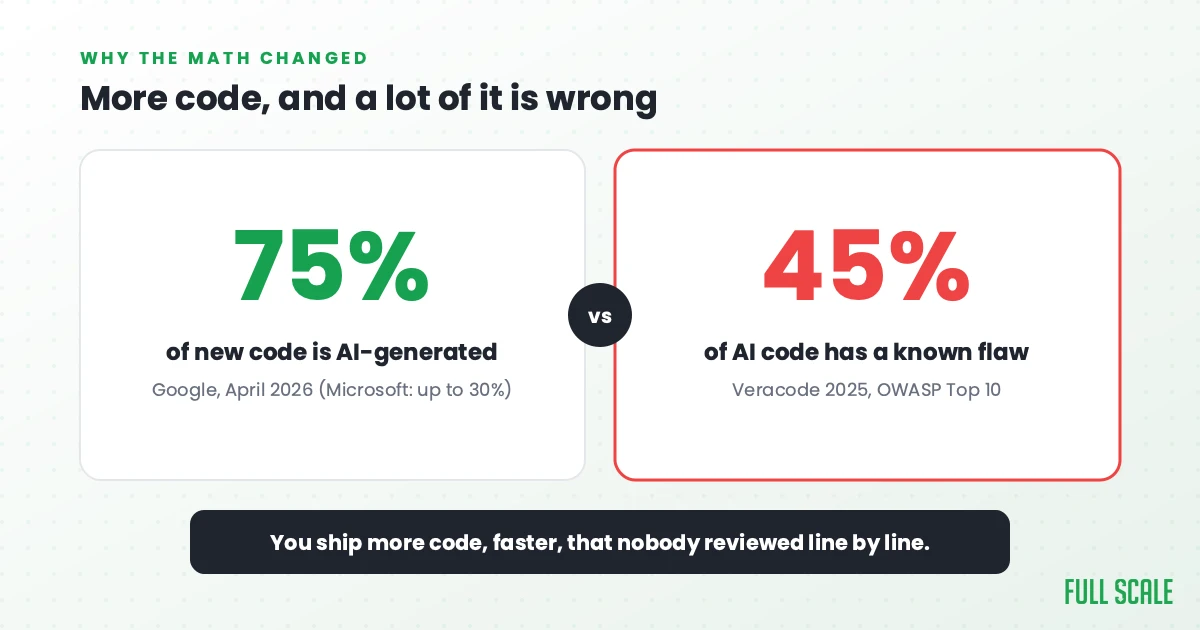
The volume of code hitting your repos is going up fast, and most of it is not coming from your engineers’ hands. Google’s CEO said about 75% of the company’s new code is now AI-generated. Microsoft’s CEO put their number at as much as 30%. Your team is somewhere on that curve whether you planned for it or not.
More code would be fine if the code were clean. It often is not.
Veracode tested AI-generated code and found that 45% of it carried a known security flaw from the OWASP Top 10, and the newer, larger models were no safer. Developers feel this every day. In the 2025 Stack Overflow survey, 66% said their biggest frustration with AI is code that is “almost right, but not quite”, and 45% said they lose significant time debugging what AI hands them.
So put the two trends together. You are shipping more code, faster, and a real share of it is subtly wrong in ways nobody reviewed line by line.
I joke with clients that we are all paying developers to babysit AI now, to review what it generates, catch what it gets wrong, and steer it toward something useful. It is an oversimplification, but the point holds: when the machine writes the first draft, the human’s job shifts to judgment and safety. And judgment needs an undo button.
A feature flag is that undo button. The convergence is already happening in the other direction too, with some AI coding tools starting to wrap new, machine-generated logic in flags by default, so the risky code ships off until a human signs off.
DORA’s 2025 research makes the same point from the other direction. AI amplifies what is already there. Strong teams get faster and better with it. Weak teams just ship their problems quicker. A feature flag is one of the cheapest ways to be the first kind of team instead of the second.
The benefits of feature flags, concretely
Feature flags buy you specific, nameable things. “Ship faster and safer” is the kind of phrase that means nothing until you map it to real situations, so here is the map.
| What you want to do | How a feature flag does it |
|---|---|
| Kill a broken feature instantly | Flip the toggle off. No deploy, no rollback, no incident bridge. |
| Limit the blast radius of a release | Roll out to 1%, then 10%, then 100%, watching metrics at each stage. |
| Test on real users before a full launch | Enable the feature for beta users or internal staff only. |
| Let non-engineers control a launch | Marketing flips the flag at go-time; engineering already shipped the code. |
| Run an A/B test | Show version A to half your users and version B to the other half. |
| Merge unfinished work safely | Wrap it in an off flag so it lives in main without affecting anyone. |
Two of those rows deserve a caveat, because they get oversold. “Test in production” does not mean shipping half-built features to everyone and watching the fire. It means controlled exposure: the change is live behind a flag for internal users or a small cohort, with monitoring on, and off for everyone else. And “merge unfinished work” only works if the off path is genuinely inert and you have tested the flag in both states. A flag that accidentally evaluates on is worse than the branch you were avoiding.
The kill switch is the row that matters most in the AI era. When you cannot be sure every code path got the scrutiny it deserves, the ability to turn something off in five seconds is worth more than any amount of pre-release confidence.
Think about what happens without that ability. In July 2024, one faulty software update crashed roughly 8.5 million Windows machines and grounded airlines, banks, and hospitals for the better part of a day. That update went to everyone at once with no staged rollout and no fast way to pull it back. A feature flag would not have wrapped a low-level update like that one, but the discipline behind flags, staged rollout and a quick kill, is exactly what was missing. That discipline is the whole point.
The deployment pullback ratio
A few years ago I started tracking something I call the deployment pullback ratio, and it is the clearest way I know to explain why this matters to an engineering leader.
The idea is simple. The larger a deployment is, the more effort you spend afterward fixing the bugs it caused. Every push forward has a pullback. After one or two weeks of development, it is not unusual to spend one or two days cleaning up after the release. The ratio of work shipped to work spent fixing is a real signal of release quality, and most teams never measure it.
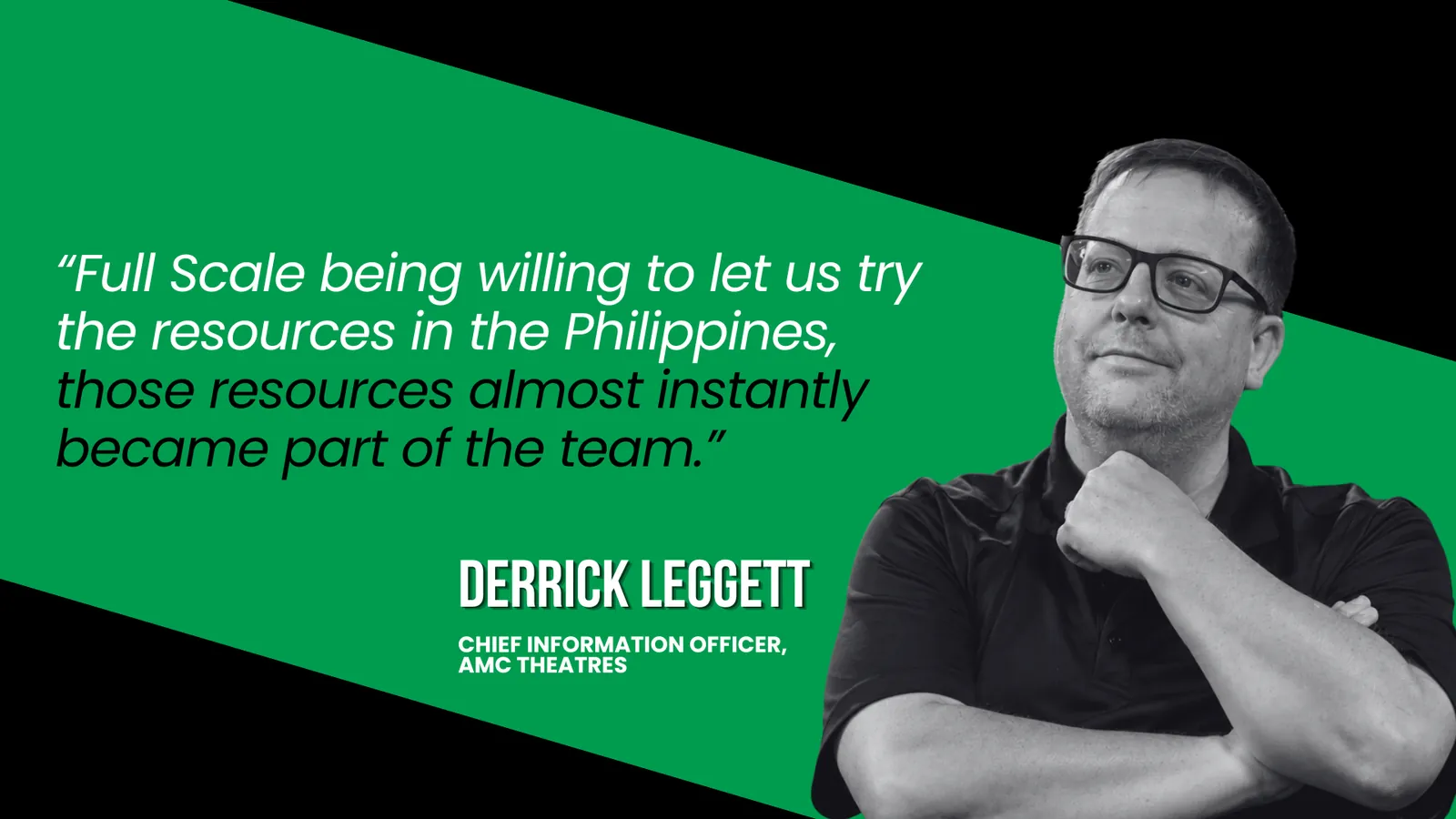
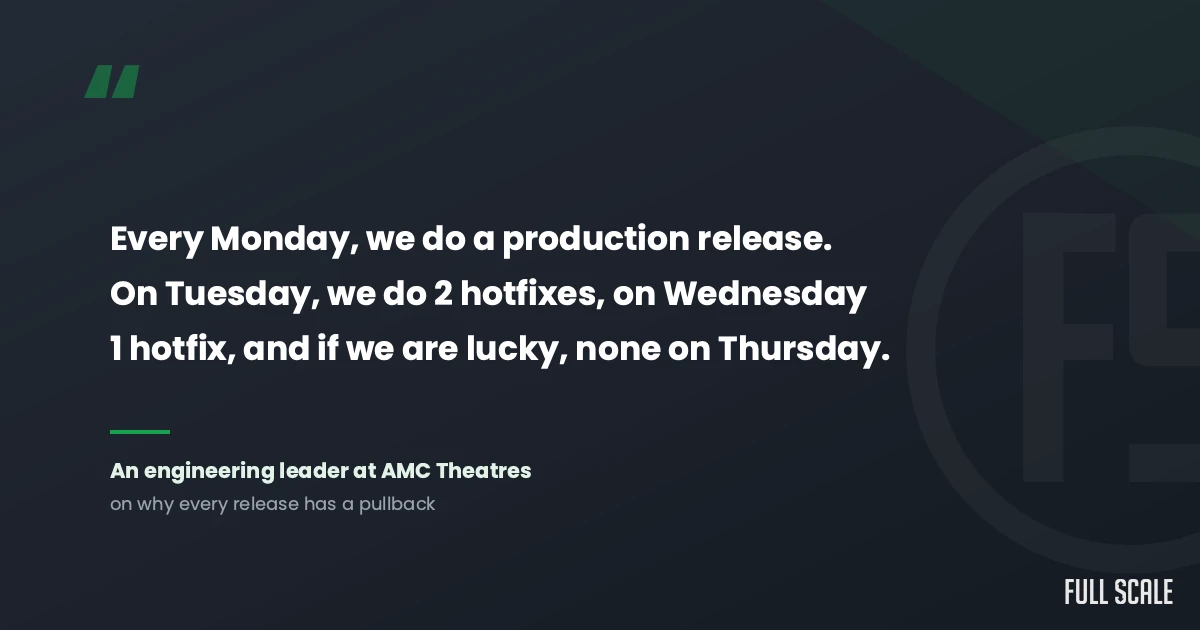
An engineering leader at AMC Theatres once told me a story I never forgot:
“Every Monday, we do a production release. On Tuesday, we do 2 hotfixes, on Wednesday 1 hotfix, and if we are lucky, none on Thursday.”
That sounds terrible. It is also completely normal. Even with perfect planning and QA, production releases have fallout, because no amount of testing fixes human error, config changes, and missing requirements all at once.
Big bang releases are a nightmare. The fix is boring: smaller releases, more often, with feature flags controlling when each change actually turns on. Smaller changesets mean smaller pullbacks. When something does break, the cause is obvious because you only changed a little.
This is not just my pet KPI. Working in small batches is one of the named capabilities DORA’s research links to teams that actually get faster with AI instead of slower. The pullback ratio is my way of putting a number on the same idea, and feature flags are how you ship in small batches without your branches piling up.
Now layer AI on top. If AI lets your team produce more code in less time, your releases get bigger and your pullbacks get worse, unless you change how you ship. Flags are how you keep the velocity and shrink the pullback at the same time.
One more piece goes with this. Flags let you turn things off, but you still need to see when something is wrong. Good observability, the kind I built at Stackify, is the other half of the safety net. You flag the change, you watch the error rates and the slow queries, and you flip the switch the moment the data turns bad. Flags, monitoring, and a solid release pipeline are the machinery your DevOps engineers own, and together they let a team take on more risk without flying blind.
Feature flags have a cost, and it is called flag debt
I am not going to pretend flags are free. The honest tradeoff is that they add complexity, and if you ignore that complexity, it bites you.
The problem is flag debt, and it is a close cousin of the technical debt that AI-generated code piles up. Every flag you add is a branch in your code. Leave the dead ones in after a feature is fully rolled out, and your codebase fills up with stale conditionals that nobody remembers the reason for. Six months later an engineer is staring at a flag named new_checkout_v2_final with no idea whether it is safe to remove.
So a few rules keep flags from turning into a mess:
- Name flags clearly, and write down what each one does and who owns it.
- Set an expiration mindset. A short-lived release flag should be deleted once the feature is at 100%. Permanent flags like kill switches and entitlements are a different category and should be marked as such.
- Clean up on a schedule. Make removing dead flags part of the normal work, not a someday project.
- Do not flag everything. A tiny change with no real risk does not need a toggle.
That last rule is most of the answer to “when should I not use feature flags.” If the feature is low risk and easy to revert, a flag is just overhead. The other case worth calling out is irreversible changes: a flag can hide a new screen, but it cannot undo a database migration that already ran, so do not lean on a toggle as your safety net for schema changes. Flags earn their keep on the changes that could hurt if they go wrong, which, again, is more of your changes than it used to be now that AI is in the loop.
A safety net is not a substitute for good engineers
Feature flags let you move fast without breaking everything. They do not decide what to build, review the AI’s output for you, or tell you whether the thing you shipped actually helped a customer. As I wrote in Product Driven, done is not when the code ships. It is when the customer sees value. A flag controls the ship. The judgment is still on you.
This is the part of AI-era engineering that gets lost in the rush to ship faster. The teams that win are not the ones that generate the most code. They are the ones with the discipline to ship it safely, watch what happens, and own the outcome.
That discipline is exactly what we hire and train for at Full Scale. When a client adds senior engineers to their team through staff augmentation, the point was never cheap hands typing code. That is the cheapshoring trap that backfires on so many teams. The engineers worth hiring use AI for the parts where judgment does not add value, wrap the risky changes in flags, watch production after every release, and treat the customer’s outcome as their job. At AMC, our developers sit in the same standups and ship on the same release process as the in-house team, because it is one team, not a vendor behind a wall.
AI made it easy to write more code than ever. Feature flags, and the people who know when to use them, are how you ship all that code without it shipping you.
Frequently asked questions
What are feature flags in simple terms?
A feature flag is an on/off switch in your code that controls whether a feature is active, without requiring a new deployment. You ship the code turned off, then flip it on later for some users or all of them. They are also called feature toggles or feature switches, and they let you separate deploying code from releasing a feature to users.
Why use feature flags instead of just deploying carefully?
Careful deploys still go to every user at once, so if something breaks your only fix is a full rollback. Feature flags let you release to a small percentage of users first, watch what happens, and turn a bad feature off in seconds instead of scrambling to revert. That matters more now that AI generates a large share of new code, much of which has not been reviewed line by line.
What are the main benefits of feature flags?
The biggest benefits are an instant kill switch for broken features, gradual or canary rollouts that limit the blast radius of a release, testing in production with real users, letting non-engineers control a launch, and running A/B tests. Together they let a team ship faster while taking on less risk per release.
When should you not use feature flags?
Skip a flag when a change is low risk and easy to revert, because the flag is just added complexity with no payoff. Flags earn their place on changes that could cause real damage if they go wrong. The other risk is flag debt: leaving dead flags in the code after a feature is fully live, which you avoid by naming flags clearly, marking which are permanent, and deleting the temporary ones on a schedule.
Do feature flags help with AI-generated code?
Yes, and this is the strongest current case for them. When AI writes 30 to 75% of new code and roughly 45% of AI-generated code carries a known security flaw, you are shipping more code with less line-by-line human review. Feature flags give you a fast way to disable anything that turns out to be wrong, which is essential when you cannot fully trust every code path before it ships.
Ship faster without shipping chaos
AI is going to keep raising how much code your team can produce. The question is whether you can release all of it safely. If you want senior engineers who ship AI-assisted code with the discipline to back it up, talk to us at Full Scale.