
Swift vs. Objective-C: A CTO’s Guide to Choosing and Staffing Your iOS Stack

In this article
- The short answer
- What Swift is
- What Objective-C is
- Swift vs. Objective-C: the comparison
- The differences that actually change your decision
- The hiring reality nobody mentions
- What to do with an existing Objective-C codebase
- How to choose
- How Full Scale staffs iOS teams
- Ready to build your iOS team?
- Frequently asked questions
Quick Answer: Swift vs. Objective-C is settled for a new iOS app: build it in Swift, which is safer, takes less code, and is where Apple puts SwiftUI and its other new frameworks. If you already own a working Objective-C app, don't rewrite it. The two languages run in the same app, so add new features in Swift and convert old code gradually. Full Scale places senior iOS engineers who are strong in Swift and SwiftUI and can maintain legacy Objective-C.
Ask me whether to build your iOS app in Swift or Objective-C, and you’ll get an answer that doesn’t come from a benchmark chart. Full Scale engineers help build and maintain the iOS app for AMC Theatres, the one millions of people use to buy tickets and order food without leaving their seats. Spend enough time inside real App Store products like that and you learn that the language is rarely what makes or breaks an app. That’s true one level up too: if you haven’t settled on native versus cross-platform yet, the native vs cross-platform app development comparison covers that decision first.
Here’s what most comparison articles miss.
The language war is already over. Swift won. Apple has said so with everything it builds, and any iOS developer worth hiring knows it.
That’s not your decision.
Your decision is harder and more expensive than “which language is better.” You have to decide what to build new apps in, what to do with the Objective-C code you already own, and whether you can actually hire and keep the people to run either one. I’ve watched programming languages rise and die for more than twenty years, and the mistakes that cost real money are not the language pick. They’re everything around it.
This guide is for the engineering leader making that call.
The short answer
If you only read one section, read this one.
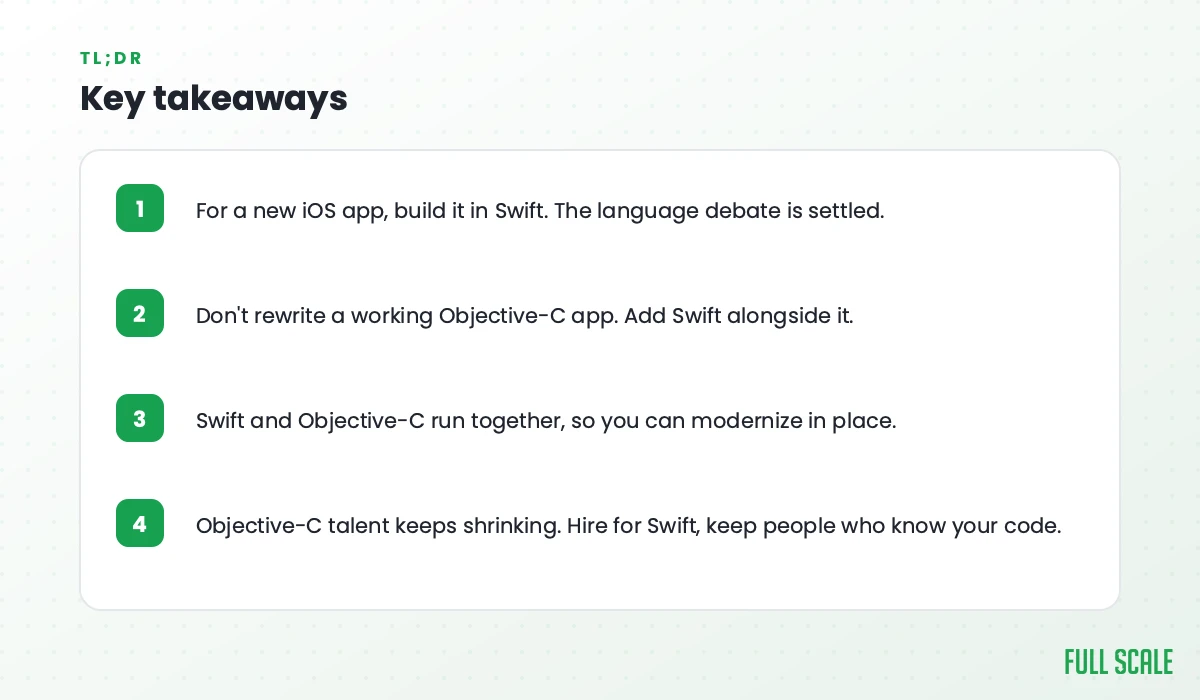
For a new iOS app, build it in Swift. There’s no real debate left. Swift is faster to write, safer by default, and it’s where Apple puts all of its energy. Hiring is easier too, which matters more than most people admit.
For an existing app written in Objective-C that still works, don’t rush to rewrite it. The expensive mistake is tearing down a working codebase and rebuilding it from scratch. Swift and Objective-C run side by side in the same app, so you can add new features in Swift and leave the old code alone until you have a real reason to touch it.
Everything below is the why behind those two answers, plus the part nobody talks about: how to staff the decision once you’ve made it.
What Swift is
Swift is Apple’s modern programming language for building apps across iPhone, iPad, Mac, and the rest of its platforms. It’s open source, and it was designed to fix the things that made older iOS development slow and crash-prone.
A few things matter to you as a decision-maker:
- Safe by default. Swift forces developers to handle the cases where a value might be missing, which kills off a whole category of crashes before the app ever ships.
- Automatic memory handling. Automatic Reference Counting takes care of most memory cleanup, so engineers spend less time chasing leaks.
- Less code. The same feature takes fewer lines than it would in Objective-C, which means less to read, less to test, and less to maintain.
- Apple’s direction. SwiftUI, Apple’s newer way of building interfaces, is Swift only. New platform features land in Swift first.
Apple has positioned Swift as significantly faster than Objective-C, and in practice it’s a cleaner language to work in.
For the person paying the bills, the real win is maintenance: clean Swift code is cheaper to keep alive over the years an app actually lives.
What Objective-C is
Objective-C is the older language. It ran Apple’s platforms for decades before Swift existed, and a lot of important software is still written in it. It’s battle-tested, it talks directly to C and C++ code, and the apps built in it didn’t stop working the day Swift arrived.
The advantages of Objective-C today:
- It is battle-tested, with decades of production apps behind it.
- It talks directly to C and C++ code, which helps when you have libraries in those languages to reuse.
- Apps already written in it keep working, so you can leave them alone until you have a real reason to touch them.
But Objective-C is no longer where Apple invests, and it shows. The syntax is heavier. It does less to protect you from the kinds of bugs that crash apps. New developers don’t learn it, and experienced ones don’t want to go back to it.
Objective-C is still alive, but it’s done growing.
I wrote about this in my newsletter a while back, walking through every language my career has passed through. My take on this one was blunt:
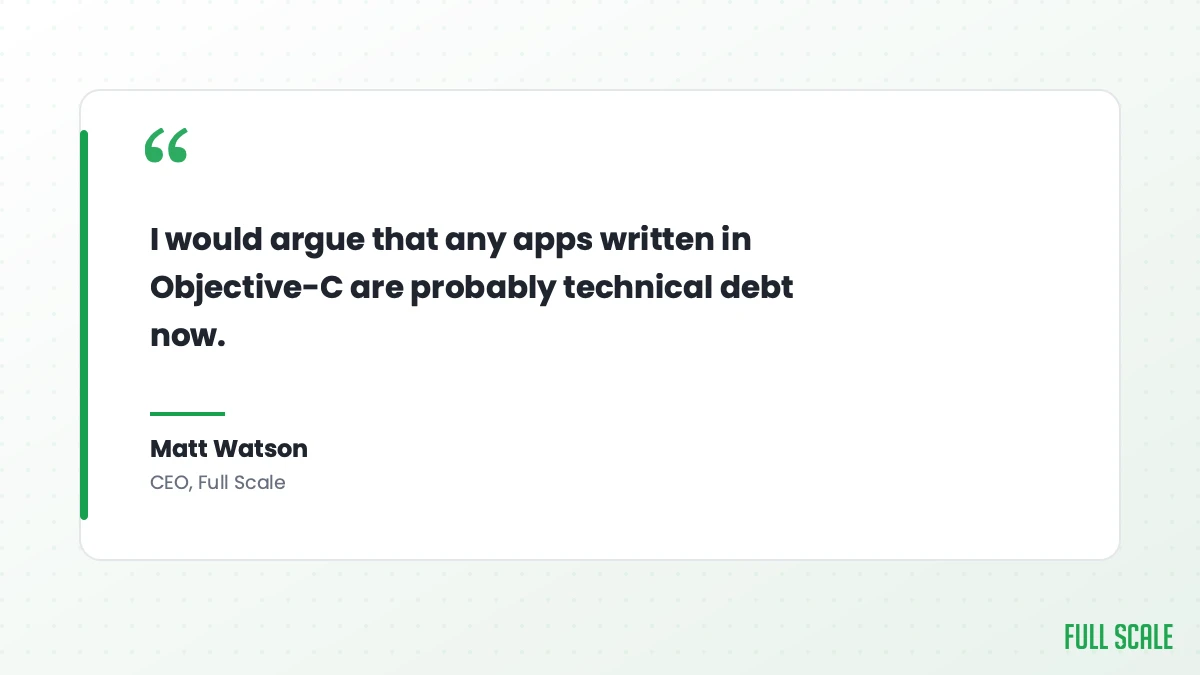
As soon as Apple released Swift, it was hard to justify writing code in Objective-C anymore. I would argue that any apps written in Objective-C are probably technical debt now.
I still believe that. Plenty of solid apps run on Objective-C today. That doesn’t make it the language you choose for anything new.
Swift vs. Objective-C: the comparison
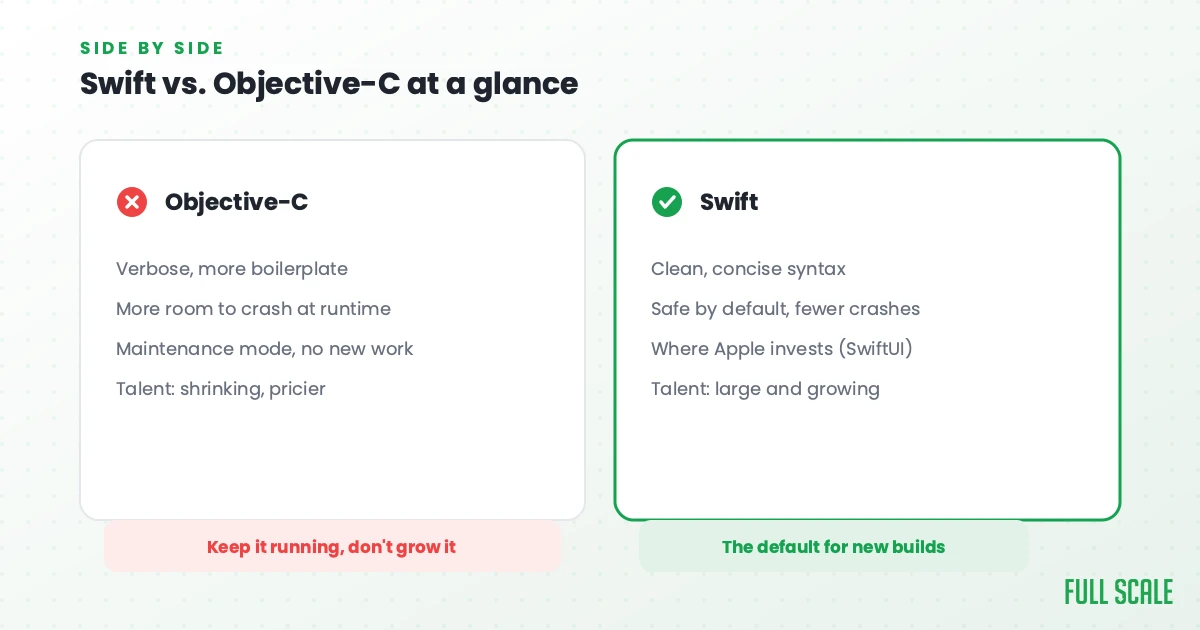
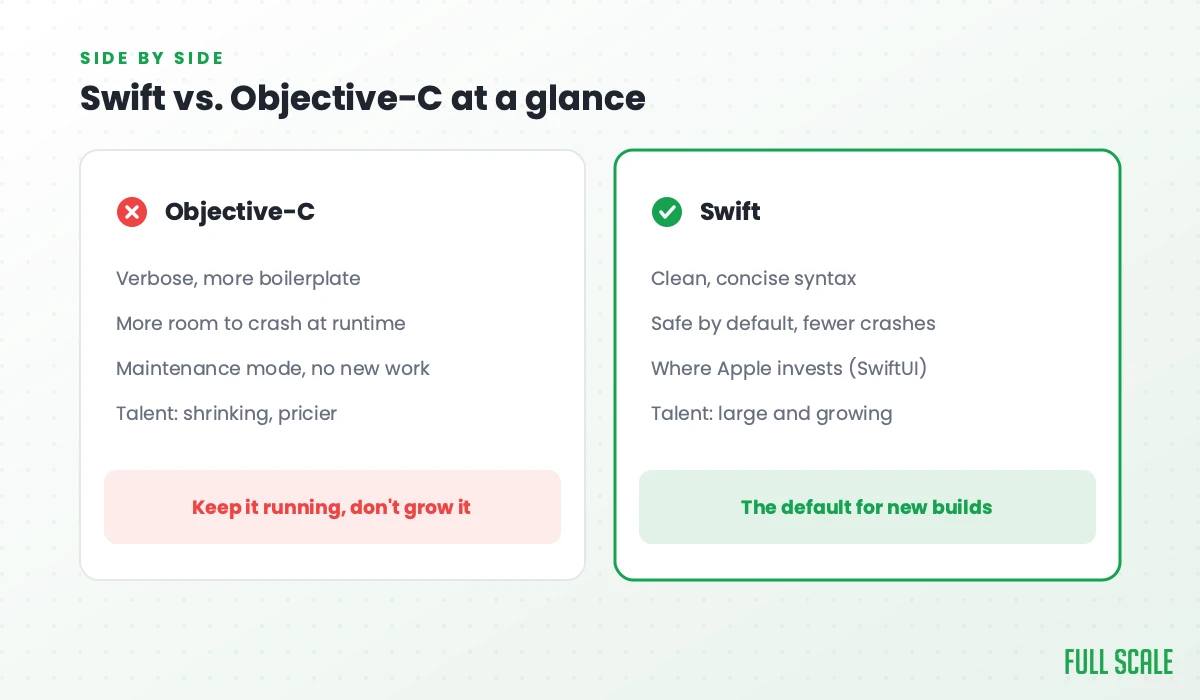
Here’s the honest side-by-side. No invented benchmarks, just the differences that actually affect a project.
| Factor | Swift | Objective-C |
|---|---|---|
| Syntax | Clean and concise, less code per feature | Verbose, more boilerplate |
| Safety | Strong type safety, forces handling of missing values | Permissive, more room for runtime crashes |
| Memory management | Automatic Reference Counting | Automatic Reference Counting (older code may still use manual retain/release) |
| Performance | Built to be fast; Apple’s preferred path | Mature and reliable, but no longer where performance work goes |
| Apple’s direction | All new tools and frameworks (SwiftUI) are Swift first | Maintenance mode, no new investment |
| Learning curve | Friendlier for new developers | Steeper, and few want to learn it now |
| Talent availability | Large and growing | Shrinking, harder to hire every year |
| Best fit | New apps, active development, anything that will keep shipping | Existing codebases, deep C/C++ interop, legacy maintenance |
The differences that actually change your decision
The table covers the facts. These are the three that move the needle on a real project.
Safety comes first. Swift was built to prevent the bugs that make apps crash. Objective-C will happily let those bugs through to your users. For a consumer app where a crash is a one-star review, that gap isn’t academic.
Second is maintainability. Swift is less code, and less code is cheaper to change. Over the life of an app, you spend far more on changing it than on building the first version. That’s where Swift quietly saves you money.
Third is interoperability, and this is the one that changes your whole strategy. Swift and Objective-C were designed to work together in the same app. New Swift code can call your existing Objective-C freely, which is the direction that matters most when you’re modernizing. The reverse works too at the class level, though newer Swift built on SwiftUI needs a thin hosting layer to drop into an older Objective-C screen.
That single fact is why you rarely need a full rewrite, and it’s the hinge of the next two sections.
The hiring reality nobody mentions
Objective-C developers get harder to hire and more expensive every year, which is a bigger problem for a CTO than any syntax difference.
Languages follow supply and demand, and developers chase whatever looks good on a resume. I’ve watched it happen over and over with Perl, Delphi, FoxPro, ColdFusion, and a dozen others I’ve shipped real software in. The apps still exist. Finding someone who wants to maintain them gets harder every year, and the few who can will charge more for the privilege.
Objective-C is on that path. When we recruit iOS engineers at Full Scale, the strong ones want to work in Swift and SwiftUI. Almost none of them want a role that’s mostly maintaining old Objective-C. So if your stack leans on Objective-C, you’re fishing in a pool that shrinks every year, and the cost of that talent climbs while the supply drops.
This is also where the cheapest-option trap does the most damage. I call it cheapshoring: picking an iOS developer on rate alone. A cheap developer who only knows how to type out Swift, with no App Store track record and no instinct for the platform, will cost you more in crashes and rework than a senior engineer ever would.
Writing the code is the easy part. Judgment about the platform is what you’re actually hiring for.
The fix is to staff iOS the way you’d staff any part of your team that has to last: senior people who are strong in Swift and SwiftUI and can still read and maintain the Objective-C you already have. That’s what staff augmentation is for. You add real engineers to your team instead of handing your app to a vendor on the other side of a contract.
What to do with an existing Objective-C codebase
Keep a working Objective-C app running, build every new feature in Swift, and don’t rewrite the old code from scratch. Of all the iOS decisions, this is the one that keeps engineering leaders up at night.
I hold the same position on iOS that I hold on every system. When something you own gets old, the first move is to modernize in place, not to tear it down and rebuild from zero. A ground-up rewrite is the most expensive, highest-risk path there is. You spend a year rebuilding what you already had, you ship no new value to customers the whole time, and you introduce fresh bugs into code that used to be stable.
Because Swift and Objective-C run together, you have a far better option. Write every new feature in Swift. Leave the working Objective-C alone. When you do touch old code, convert one self-contained piece at a time rather than the whole app at once. Start with new screens and standalone modules, where the seam between the two languages is cleanest. Over time the Swift share grows and the Objective-C share shrinks, and you never had to stop shipping to your customers to make it happen.
There’s an honest exception, and it’s worth naming. Incremental adoption can stall on a deeply tangled codebase, the kind where everything touches everything and you can’t carve out a clean Swift module without dragging half the app along with it. When you hit that, the incremental path crawls and a rewrite starts to look reasonable. It’s also true when you simply can’t hire anyone to maintain the old code, when Objective-C is blocking a platform feature you need, or when there’s a security or stability problem you can’t fix in place. When one of those is real, rewrite with eyes open. When none of them is, incremental is the cheaper, safer call.
Everything is technical debt eventually. The goal is to pay it down on a schedule you choose, not in one giant panic.
How to choose
Strip it down to your situation:
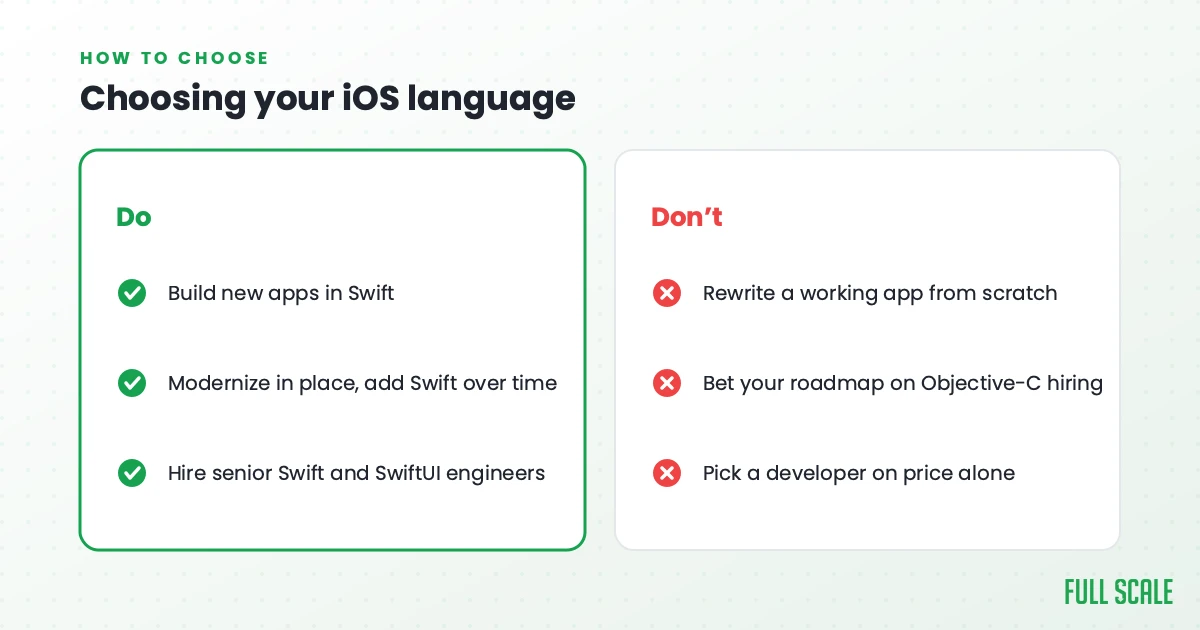
- Building a new app? Swift. Don’t overthink it.
- Running an app that works in Objective-C? Keep it running, add new work in Swift, and rewrite only when you can’t hire for it or it’s blocking something you need.
- Worried about the team more than the code? That’s the right thing to worry about. Hire for Swift, keep people who can also maintain Objective-C, and never pick a developer on price alone.
The language question has a clear answer. The staffing question is the one that decides whether your iOS app thrives or slowly rots.
How Full Scale staffs iOS teams
We’ve spent years placing offshore software development teams, and we’ve put more than 700 developers with over 200 tech companies. Our iOS engineers work on teams behind apps at the scale of AMC Theatres and inside SaaS companies where the mobile app is the entire business.
The engineers we place are senior, strong in Swift and SwiftUI, and able to maintain legacy Objective-C when a client’s codebase calls for it. They work inside your team, not behind a vendor’s account manager. They sit in your planning, review code with your engineers, and answer for what ships to the App Store the way your own staff does. We pay at the top of the local market to keep the people worth keeping, which is how we hold a retention rate above 93 percent and accept fewer than 3 percent of the engineers who apply.
If you’re weighing how offshore iOS work actually runs day to day, our guide on outsourcing iOS app development covers that in depth, and you can see the full picture of our iOS app development services too. If you want to understand how we think about building engineers who own what they ship instead of just typing what they’re handed, that’s what I wrote about in Product Driven.
I’ve watched whole platforms turn into technical debt across my career. The teams that came out ahead were never the ones with the fanciest rewrite. They were the ones who hired well and modernized in place.
Ready to build your iOS team?
Whether you’re starting fresh in Swift or keeping an Objective-C app alive while you modernize it, the language is the easy part. The team is what makes it work.
Hire dedicated iOS developers through Full Scale and get senior engineers who know the Apple platform, not just the syntax. Book a discovery call and tell us what you’re building.
Frequently asked questions
Is Objective-C still used?
Yes, but mostly to maintain existing apps rather than to build new ones. A lot of established and enterprise iOS software still runs on Objective-C, and it works fine. New development has moved to Swift, and Apple’s newer frameworks are Swift only, so Objective-C is steadily becoming maintenance work rather than a language teams choose going in.
Should I rewrite my Objective-C app in Swift?
Usually not all at once. A full rewrite is expensive and risky, and it stops you shipping new value while it’s underway. Because Swift and Objective-C run side by side, the better path is to write new features in Swift and convert the old code one self-contained piece at a time. Rewrite the whole thing only when you can’t hire to maintain it, it’s blocking a feature you need, or the codebase is so tangled that incremental progress stalls.
Can Swift and Objective-C run in the same app?
Yes. Apple designed the two languages to work together, so you can call one from the other inside the same project. This is exactly why gradual adoption beats a ground-up rewrite for most teams: you can bring in Swift over time without throwing away code that already works.
Is it harder to hire Objective-C or Swift developers?
Swift talent is far easier to find, and the gap widens every year. Strong iOS engineers want to work in Swift and SwiftUI, so the pool of developers who want to maintain Objective-C keeps shrinking and getting more expensive. If your app depends on Objective-C, plan your hiring around that reality.
Which is better, Swift or Objective-C?
Swift, for almost every new iOS app. It is safer by default, takes less code, and is where Apple puts its new frameworks, including SwiftUI. Objective-C is the better choice only when you are maintaining a working app that depends on it or need deep C and C++ interop, and even then you can add new work in Swift alongside it.
How do you convert an Objective-C app to Swift?
Do it gradually instead of rewriting. Write every new feature in Swift, then convert old code one self-contained piece at a time, starting with new screens and standalone modules where the seam between the two languages is cleanest. Because the languages run together in one app, you can keep shipping while the Swift share grows.
Can you still hire Objective-C developers?
Yes, but the pool is small and shrinking, and the developers who remain cost more. Full Scale places senior iOS engineers who are strong in Swift and SwiftUI and can also maintain a legacy Objective-C codebase, so the same people can cover both.
Is Swift faster than Objective-C?
Apple has positioned Swift as significantly faster, partly because it leans less on the runtime message dispatch that Objective-C uses for almost everything. For most apps it performs at least as well as Objective-C. For a decision-maker, raw speed is rarely the deciding factor. Safety, maintainability, and how easily you can staff the project matter far more to whether the app succeeds.