AI Prototyping Tools in 2026: How to Build Apps from a Prompt

In this article
- What “vibe coding” actually means and why it changed everything
- The AI prototyping tools that actually work in 2026
- Design prototyping tools you still need (for some teams)
- Pick the right tool for the prototype you’re trying to ship
- How founders should actually use these tools
- How engineering leaders should think about AI prototyping
- The tradeoffs nobody talks about
- Beyond the prototype
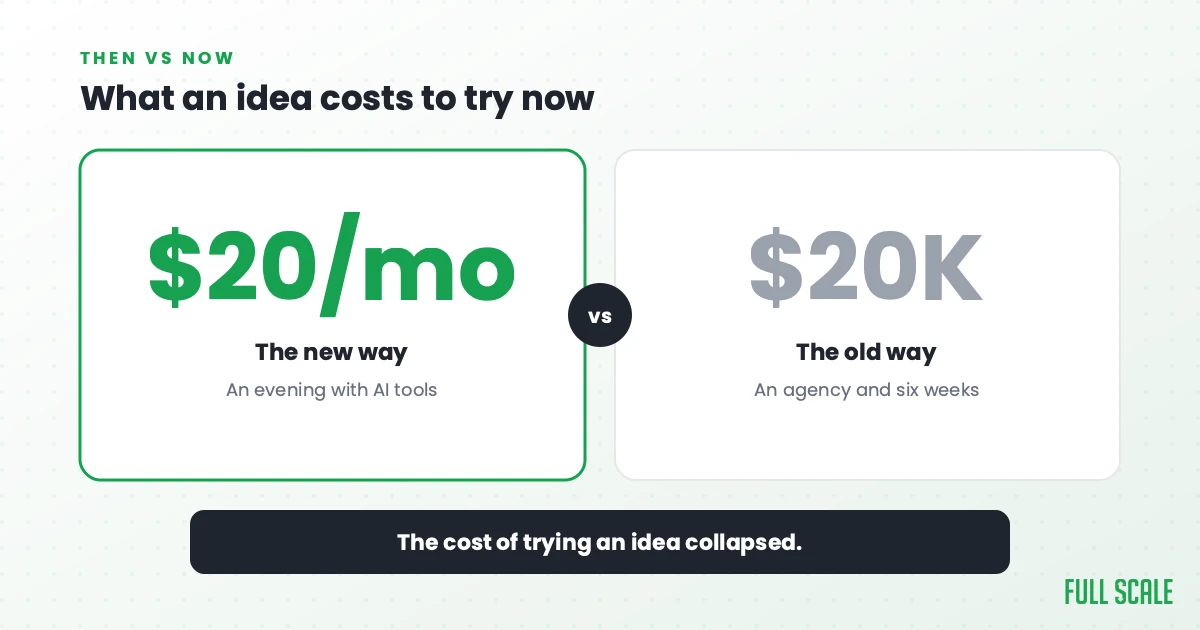
The cheapest moment in history to test a software idea is right now. For anything smarter than a prototype, decide whether you need machine learning or just an API. A working prototype that used to require an agency, $20,000, and six weeks now takes an evening with Lovable or Replit and a $20 monthly subscription. The category of “AI prototyping tools” was barely real when the 2023 version of this post was written, and as of 2026 it is the most important development in software building since the cloud. Fast prototypes are cheap now, but a competent baseline is not a finished product, which is exactly how AI changed user experience strategy. That same economics underpins starting a SaaS company without burning runway.
I’m Matt Watson), a 4x founder, CEO of Full Scale, and the guy who built the first version of VinSolutions in the mid-2000s before it became a $150M acquisition. I’ve prototyped products in every era of tooling, from Visual Basic and Access databases through Rails, jQuery, React, and now AI-generated React. The shift from 2023 to 2026 is the biggest one I’ve seen in my career. The skill that used to gate building a prototype, namely typing code, is no longer the bottleneck. Getting that code safely in front of users is the new bottleneck, and it is why feature flags are worth it for shipping AI-built work.
This guide covers the AI prototyping tools that actually work in 2026, the design tools that still earn a seat in some workflows, and how to pick the right one for the prototype you’re trying to ship. It’s written for founders and product managers who want to build the prototype themselves, and for engineering leaders who need to figure out how their teams should use these tools without creating a different kind of mess. It also pairs with what a startup business plan looks like in the AI era, where the prototype carries the weight the document used to.
What “vibe coding” actually means and why it changed everything
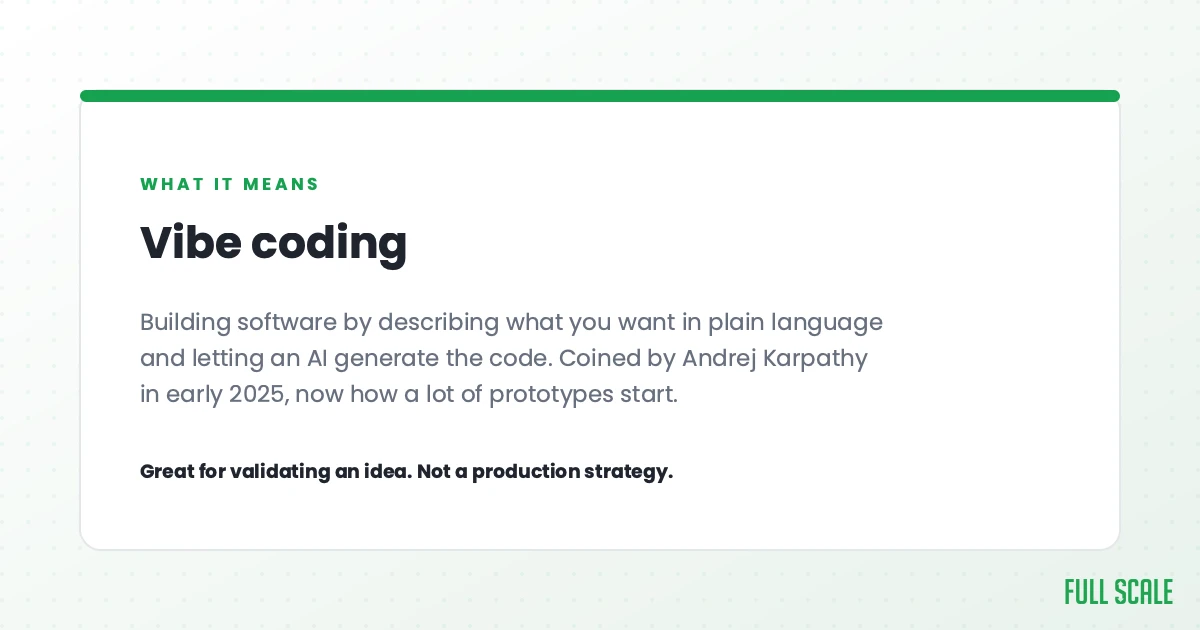
The term you’ll see everywhere in 2026 is “vibe coding,” and it’s worth understanding before going further. Andrej Karpathy, the co-founder of OpenAI and former AI lead at Tesla, coined the term in February 2025 to describe a new style of building software: you describe what you want in natural language, the AI writes the code, you run it, you iterate. The “vibe” part is that you’re working at the level of intent and feel, not the level of syntax. As of May 2026, “vibe coding” gets close to 90,000 monthly searches in Google, which tells you how fast the idea has spread. I wrote a Product Driven newsletter issue on how Karpathy framed the #1 problem with AI coding if you want a deeper read on why he keeps showing up as the clearest voice in this category.
For prototyping, vibe coding is the unlock. People thought of this idea years ago. It didn’t exist because the AI models weren’t good enough, the tools weren’t packaged for non-developers, and the deployment story was missing. All three of those gaps closed in 2024 and 2025. The tools below are the result.
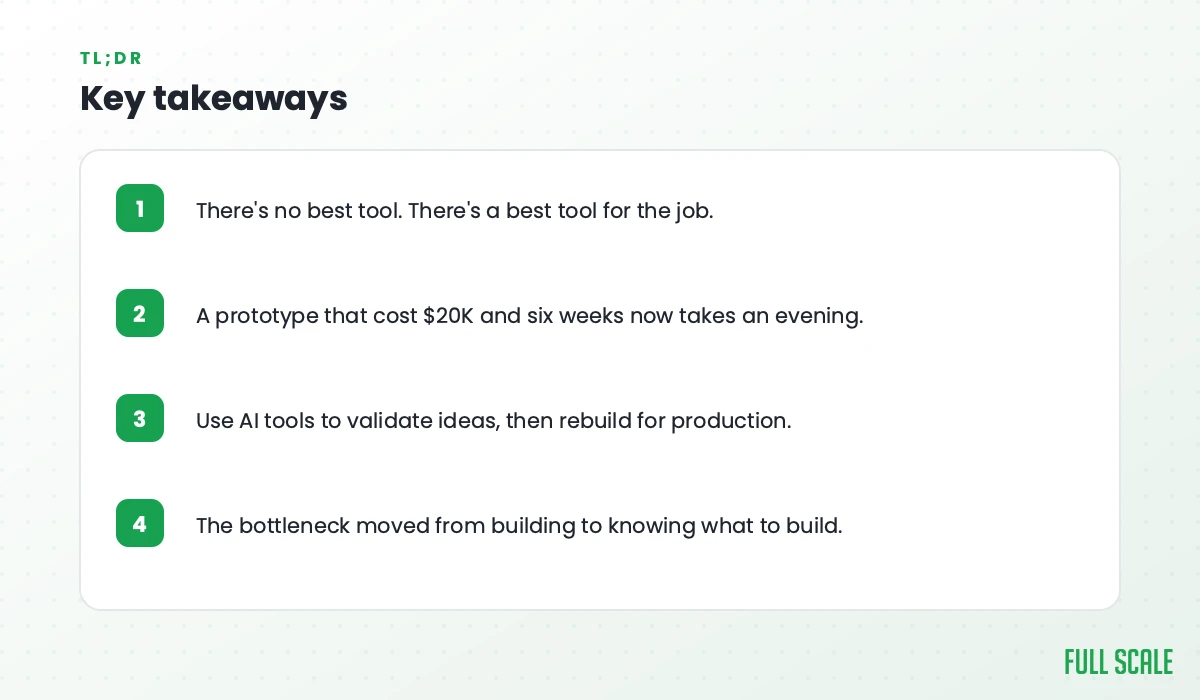
A useful frame: the cost of building one prototype has collapsed by a large enough margin that the bottleneck is no longer “can we afford to build this,” it’s “which idea do we test next.” This doesn’t mean everyone fires their engineers. It means founders run more experiments in the same budget, and more experiments means a better signal on which ideas are worth real engineering investment. The same collapse in build cost is how AI reshaped marketing software, where teams now build the tools they used to rent.
The AI prototyping tools that actually work in 2026
The category has consolidated faster than I expected. There are six tools that matter for most use cases. The right one depends on who’s using it and what happens to the prototype next.
Lovable
Lovable is the tool I recommend most often to non-technical founders and product managers. You describe the app you want, Lovable generates a polished React plus Tailwind interface, and you iterate by describing changes. The output is presentable enough to put in front of a customer, an investor, or a Slack channel without explanation. Lovable was started in Sweden in 2023, is one of Europe’s fastest-growing AI companies, and as of 2026 hosts millions of generated apps. When a prototype graduates to production, it usually lands on Next.js, which is when you hire senior Next.js developers to harden it.
What it’s best at: turning a written idea into a clickable web app a non-engineer can demo. The defaults look professional, which matters when the demo is going to a stakeholder.
What to watch for: the polished output can hide messy code underneath. If a Lovable prototype graduates to production, expect a refactor pass before scale.
Replit
Replit was a browser-based IDE for years before AI showed up, and they used that head start to ship the most complete vibe-coding platform on the market. You can prompt-build an app, edit the underlying code, run it in a sandbox, and deploy it to a public URL without leaving the browser. The AI agent will go off and build entire features autonomously if you let it.
What it’s best at: full-stack apps where you want a real database, real authentication, and a real deploy target on day one. The closest tool to “you can run your business on this” out of the AI prototyping category.
What to watch for: Replit ties your database, auth, and hosting to their platform. That’s a feature for prototyping and a problem if you outgrow it. Migrating off later means rebuilding infrastructure.
Bolt.new
Bolt.new is StackBlitz’s take on the category. It sits between Lovable and Replit: faster than Replit to get to a working demo, more code-flexible than Lovable, and the output is portable. You can download the project as standard files and deploy it anywhere.
What it’s best at: founders who want a real codebase they can hand to an engineer later, without committing to a platform. The “plan first, build second” workflow forces clarity on what you actually want before code gets generated.
What to watch for: Bolt is the youngest of the three and the AI doesn’t always follow its own plan. Watch what the tool actually built, because its summary of what it built is often more confident than the result deserves.
v0 by Vercel
v0 is Vercel’s entry. It started as a Figma-to-React component generator and has matured into a full app builder optimized for the Next.js stack. If your eventual production setup is Next.js plus Vercel hosting, v0 is the lowest-friction starting point.
What it’s best at: teams already committed to React and Next.js who want generated code that fits their production stack on day one. v0’s output is closer to what an experienced React developer would write than the other tools on this list.
What to watch for: v0 is the most opinionated of the bunch. If your stack is not Next.js plus Tailwind plus shadcn, you’re fighting the tool.
Claude Code
Claude Code is Anthropic’s command-line coding agent and the tool I use the most personally. It lives in your terminal, reads and writes files in your repo, runs commands, and iterates until something works. It is not a beginner tool. It is the most powerful one on this list for anyone comfortable with a terminal and a git repo.
What it’s best at: technical founders and engineers who want to vibe-code from an existing codebase, not from a blank canvas. Claude Code respects the structure of the repo it’s working in. The other tools on this list want to generate a new project from scratch.
What to watch for: if you don’t already know what a working app looks like, Claude Code will faithfully build whatever you ask for, including the wrong thing.
Cursor
Cursor is the AI-native fork of VS Code that has become the default editor for many engineers in 2026. It is not exactly a prototyping tool, it’s a coding tool that happens to be great for prototyping when you’re starting from a blank repo. The composer feature, the multi-file edit, and the chat-with-codebase mode together cover most of what you’d want from a vibe-coding workflow.
What it’s best at: developers who want the IDE experience while getting most of the AI productivity. Cursor is what most of our Full Scale engineers reach for when they’re working on real production code, prototype or otherwise.
What to watch for: Cursor is a developer tool that you have to know how to drive. It will not deploy your app for you or set up your database. If you want a polished demo from a prompt, use Lovable or Replit instead.
If you want a deeper take on the broader AI coding tool landscape (including agents like Devin and Cline), our software development tools post covers it.
Design prototyping tools you still need (for some teams)
The traditional design-prototyping category isn’t dead, but its scope shrank a lot. In 2023, you’d start every new product by mocking it up in Figma before writing code. In 2026, plenty of founders skip straight to Lovable or Bolt and never bother. There’s still a case for design-first prototyping when the audience for the prototype is non-technical stakeholders who need to give feedback on flow and visual design before code exists.
The tools worth knowing in this category:
Figma is the dominant design tool. Mockups, interactive prototypes, design systems, all in one place. Figma’s own Figma Make is their AI builder that turns Figma designs into working code. The platform is sticky, the collaboration is excellent, and most product designers already live in it.
FigJam (also Figma) is the whiteboard tool used for collaborative ideation and journey mapping before you draw a single mockup. It’s underrated for the early “what are we even building” phase.
Sketch is still around, primarily for Mac-only design teams who never moved to Figma. Most new teams don’t pick it.
Balsamiq is the low-fi wireframing tool that survives because intentionally rough wireframes are sometimes the right artifact. If you’re testing flow with stakeholders who get distracted by polish, Balsamiq’s “this is intentionally a sketch” aesthetic is useful.
Adobe XD is winding down. Adobe announced they were stopping new feature development after the Figma acquisition fell through. If you’re starting fresh in 2026, don’t pick XD.
For most teams running a 2026 prototype phase, the practical workflow is: FigJam for ideation, Figma for any visual mockups stakeholders need to react to, and an AI builder (Lovable, Replit, Bolt, v0) for the actual working prototype. Many teams skip the Figma step entirely and go straight to a working app.
Pick the right tool for the prototype you’re trying to ship
There is no best tool. There’s a best tool for the job. Here’s the decision rubric I use when our team or our clients ask which to pick:
“I want to test if anyone actually wants this” → Lovable or Bolt. The goal is fastest path to something a customer can click. Don’t worry about the code yet.
“I’m building an MVP I’ll keep iterating on” → Replit or Bolt. You want a real database, real users, real deployment. Bolt if you might hand the code to engineers later. Replit if you want to ship from one platform end-to-end.
“I’m a developer and I want full control” → Claude Code or Cursor. You’re going to write meaningful code anyway, and the AI is there to make you faster while you keep doing the meaningful work.
“I need to test user flow with stakeholders before any code exists” → Figma. The conversation is about design and journey, not about whether the AI rendered the right component.
“I’m a React or Next.js shop already” → v0. The generated code fits your production stack on day one.
“I want to brainstorm with my co-founder before building anything” → FigJam, a notebook, or a whiteboard. The tools above are for making things. They are not for deciding what to make. Our piece on low-code and no-code development covers the adjacent category if you want non-engineers shipping internal tools, not just prototypes.
How founders should actually use these tools
The thing I tell every non-technical founder who’s just discovered Lovable or Replit: the skill is no longer typing, it’s specifying. Good prompts make good prototypes. Vague prompts make bad ones. The same product idea, given to the same tool, will produce a polished demo or a broken mess based on how clearly the founder described what they wanted.
A few rules of thumb:
Scope tight on every prompt. “Build me a marketplace for dog walkers” is too broad. “Build a landing page with a hero, three features, and a sign-up form for a dog-walker marketplace” is workable. Treat the AI like a junior engineer who follows instructions literally and has no judgment about scope.
Give context. Tell the tool what stack you want, what the data model looks like, who the user is. The AI will fill in any gap you leave with its own assumptions, and the assumptions are usually wrong.
Iterate in small steps. A prompt that says “add a feature, change the design, also add billing” gives the AI three failure modes in one shot. One change at a time is faster overall because the AI succeeds on each step.
Review aggressively. The output looks finished. Click every button. Try every form. The first version of an AI-generated app passes the smell test and fails when you actually use it. Spend time clicking before you ship.
Don’t ship the prototype as production. This is the most expensive mistake I see founders make. The whole point of a prototype is to throw it away once you know what you want. If you ship the prototype as your real product, you inherit code you don’t understand, security gaps you can’t see, and a platform you can’t leave.
For founders working on the MVP phase specifically, our MVP development strategy guide covers the broader question of how to scope and ship an MVP that survives first contact with real users.
How engineering leaders should think about AI prototyping
If you’re a CTO or VP of engineering and your team isn’t talking about these tools yet, they will be soon. A few observations from running engineering and from watching client teams at Full Scale:
AI prototyping is becoming a normal skill across PM and engineering. Product managers vibe-code their own user-test prototypes, designers generate working components from Figma mockups, and engineers use Cursor and Claude Code as multipliers on real production work. The line between “I have an idea” and “here’s a working version” has collapsed for the whole team, not just the developers.
Don’t ban the tools. Set expectations on what gets thrown away. Skip the blanket “no AI” or “use AI for everything” rule. The policy that works is clarity on which artifacts are throwaway prototypes versus production code. A Lovable prototype used to test an idea should never be put on the production server. A Cursor session that produces a real PR follows your normal code review process.
The prototype-to-production path is where the cost lives. A tool that generates portable code (Bolt, v0) is easier to graduate from than a tool that locks you in (Replit’s full-stack hosting). For prototypes that have a chance of becoming products, factor the migration cost into the tool choice.
Hiring shifted. PMs and designers who can vibe-code are now massively more valuable than ones who can’t. The “designer who can build a working version of their own mockup” role didn’t really exist three years ago. Today it’s a hiring advantage and a retention risk if you don’t pay them what they’re worth.
Watch the floor of “good enough.” The bar for an acceptable MVP has moved up because customers have already seen polished Lovable demos. The crappy hand-built MVP that would have flown two years ago now looks visibly worse than what a single founder can produce in a weekend. Set the team’s quality bar accordingly.
There’s broader context on how AI is reshaping engineering org design in our post on AI’s impact on developer teams, if your team is in the middle of figuring this out.
The tradeoffs nobody talks about
Vibe coding is a real productivity win, and it also has failure modes that nobody puts in the marketing copy. The honest list:
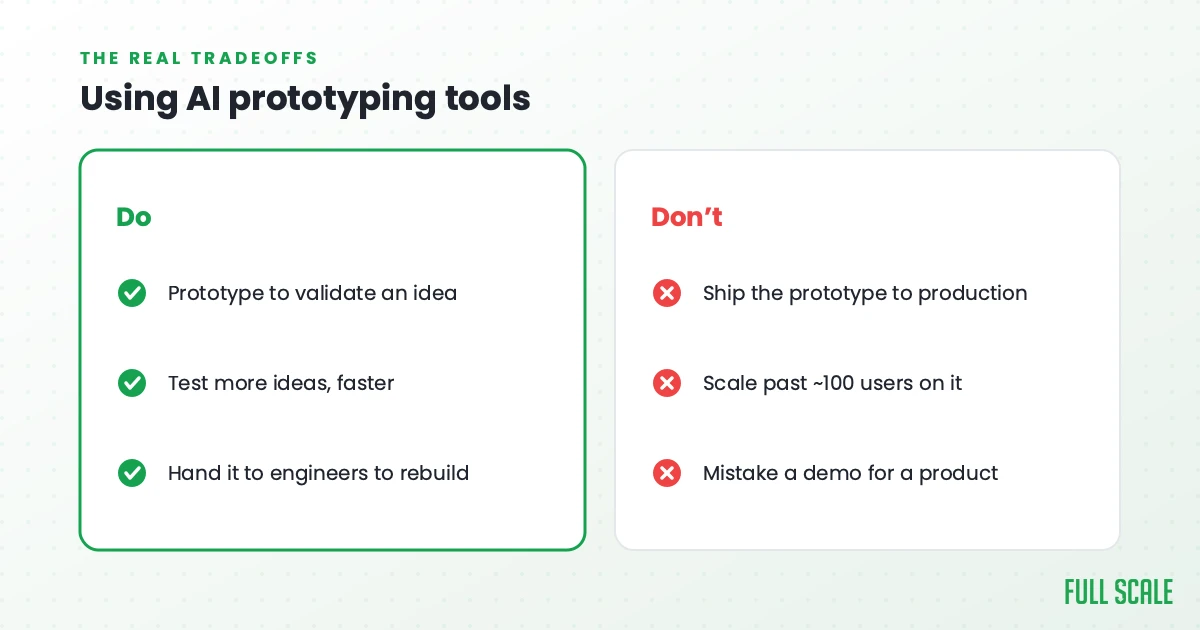
You don’t know what the code does. When the AI builds something that works on the first try, the easy mistake is to ship it without reading it. Then a customer hits an edge case, you open the code, and you have no mental model of how anything connects. Pay the cost of reading and understanding what got generated, even when it works.
Security holes are common. AI-generated apps routinely have SQL injection vulnerabilities, exposed API keys, missing authentication on routes that need it, and CORS misconfigurations. Nothing prevents the AI from generating these. The fix is a manual security review before any AI-generated app touches real users.
Platform lock-in is real. Some of the tools on this list (Replit specifically) tie hosting, database, and auth to their platform. That’s fine while you’re prototyping. It’s expensive when you outgrow it. Read the export and migration story before you commit.
The “100-user cliff” is real. AI-generated apps that work for 10 users often fall over at 100, and almost always at 1,000. The generated code rarely thinks about pagination, caching, rate limiting, or query optimization. If the prototype works, the next step isn’t “ship to everyone.” The next step is “have an engineer rebuild the parts that need to scale.”
Tests are usually missing. AI tools generate code and skip tests. That’s fine for a throwaway demo. It’s catastrophic when the demo becomes the product. Adding test coverage after the fact is more expensive than writing it alongside the code.
None of this is a reason to avoid these tools. It’s a reason to use them with eyes open. The teams getting the most value from AI prototyping are the ones who are clear-eyed about what the tools do and don’t do.
Beyond the prototype
The point of a prototype is to validate or kill an idea fast. If the AI tools above let you do that for $20 a month instead of $20,000, you should be testing more ideas, not the same idea more cheaply. The constraint is no longer “can I afford to build this,” it’s “what’s the next thing worth testing.”
Once a prototype validates, you need to actually build the real product. That’s where the cheap AI tools stop being enough and a real engineering team starts. At Full Scale, we hire and retain senior engineers in the Philippines who pick up where Lovable, Bolt, and Replit leave off, five years running on the Inc. 5000. Most of our clients arrive with a working prototype and a question of “how do I turn this into a real product without burning the runway.” Our broader MVP development guide covers the next steps after the prototype validates, and our take on build vs. buy helps frame the rest of the decisions.
If that’s the spot you’re in, book a call or look at how we structure development teams for the post-prototype phase. The tools above will get you a validated idea. Turning it into something that lasts is a different problem with a different answer.
I also wrote a book called Product Driven about the gap between “we built it” and “it’s actually a product.” Vibe coding closes the build gap. The product gap is still there waiting for whoever does the harder work of turning a prototype into a business.