The Software Development Best Practices That Survive AI (and the Ones That Don’t)

In this article
Most of the advice you find on software development best practices was written for a world that no longer exists. Search for software engineering best practices or software development best practices and you get the same recycled list: keep your code clean, test it, review every change, use version control. All of it assumed a human was typing most of the code.
A human isn’t anymore.
In the 2025 Stack Overflow Developer Survey, 84% of developers said they use or plan to use AI tools, up from 76% the year before. Google’s CEO said in 2026 that AI now generates about 75% of the company’s new code. Tools like GitHub Copilot and Cursor write a large share of what ships, and AI pair programming is part of the daily workflow. So the old checklist still matters, but it’s no longer where the work is.
When AI writes the code, the whole job moves to deciding what to build and proving it works.
That shift sorts the best practices into two piles. Some of them matter more now than they ever did. Others were always about the mechanical part of the work, and the mechanical part is exactly what AI took over. That sorting gets easier once you see where generative AI fits alongside traditional machine learning. Here’s how I’d sort them, after building engineering teams for 20 years and running a team of 350+ in the Philippines today.
Quick Answer: The software development best practices that survive AI are the ones about judgment: getting requirements and context right, scaling up quality assurance, reviewing for logic and security instead of formatting, and keeping code simple enough for a human to maintain. The ones that don't survive are the mechanical ones AI already absorbed: chasing 100% code coverage, hand-typing boilerplate, and treating "it runs" as proof it's correct. Full Scale builds engineering teams around exactly that judgment, not just typing speed.
The job changed: engineers are becoming developers
I had Mohan Reddy on my podcast recently. He’s the chief scientist at Cornerstone AI Labs and co-founded SkyHive, a company built around upskilling people for exactly this moment. His take on what’s happening to software engineers stuck with me: the role is shifting from writing code to orchestrating AI that writes it, and the skills that survive are the ones about understanding requirements and outcomes. As he put it, the tasks get automated, not the skills. That shift has a name now, agentic coding, where a developer points AI tools at a problem and supervises what comes back instead of typing it line by line.
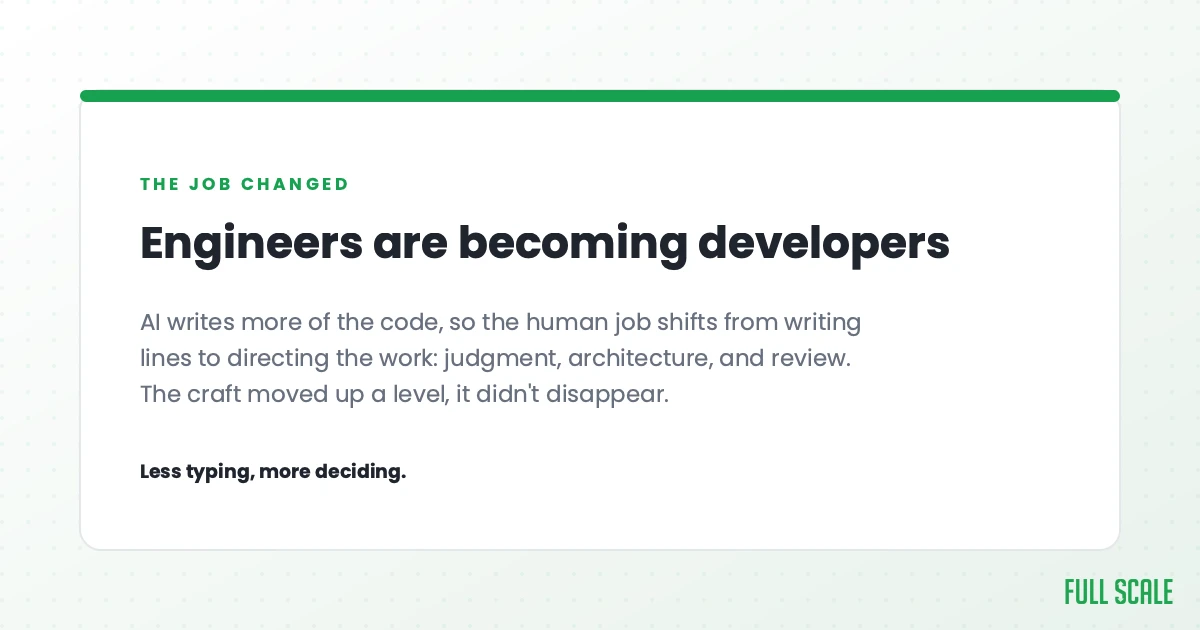
People use “engineer” and “developer” interchangeably, but I’m drawing a line between them on purpose. The “engineering” part of the job, the typing, has shrunk. The “development” part, owning what gets built and why, has grown. You have to be more involved in what needs to be built, why it matters, and how it should work. The team owns quality assurance (QA) now, and owns whether the customer actually gets value out of what shipped.
That’s product thinking. It’s the whole argument of my book, Product Driven: the real issue in most engineering teams was never technical skill, it was knowing what to build and why it matters. That gap was always there. AI just made it impossible to hide.
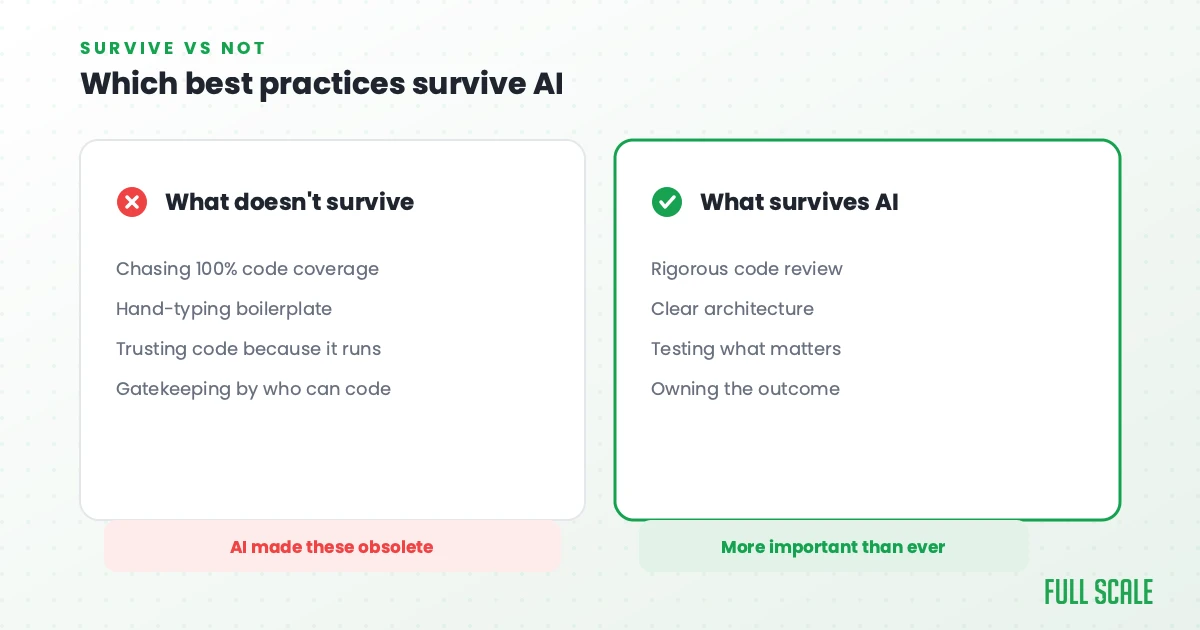
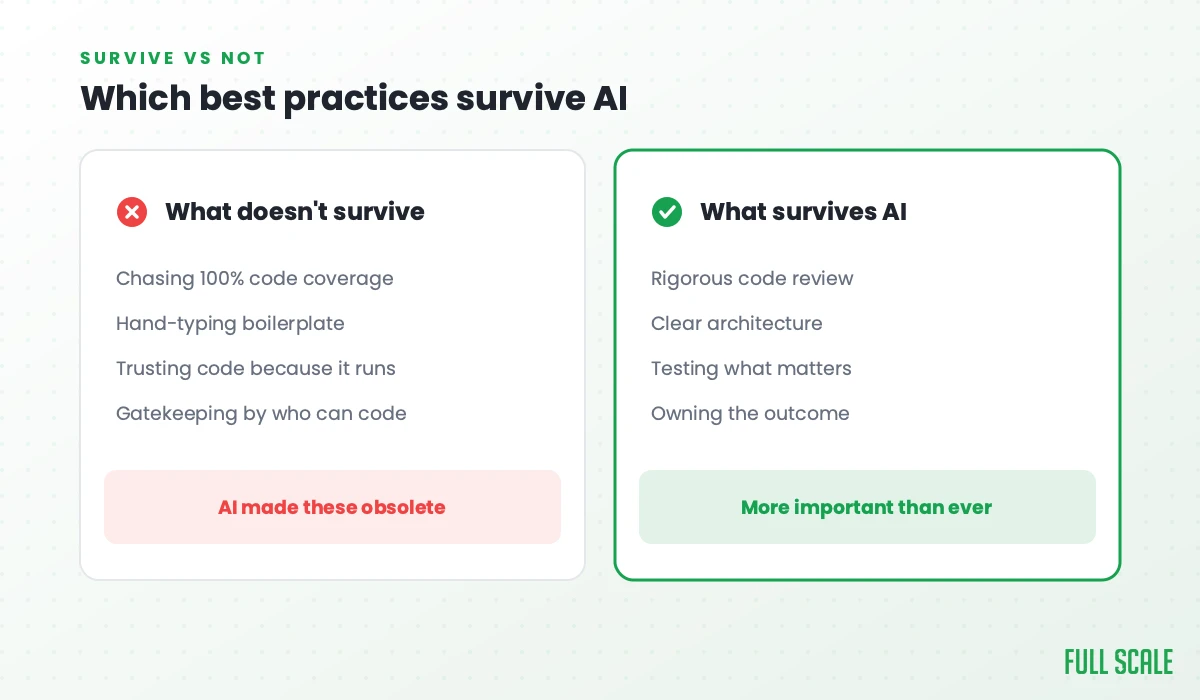
So when people ask me which software development best practices still apply, my honest answer is that the question itself has changed. The practices that survive AI are the ones that were always about judgment. The ones that fade are the ones that were always about output.
The software development best practices that survive AI
Get the requirements and context right
This is the one nobody puts at the top of the list, and it’s now the most important thing your team does.
AI is only as good as the context you give it. A vague ticket produces vague code, faster than ever. A clear, well-specified problem produces something close to what you actually wanted. The real bottleneck has always been how clearly and how quickly you can define the problem, not how fast your developers could type.
How fast you get the context is how fast you can write the code. That’s the whole game now.
So the best practice that pays off most is unglamorous product work. Talk to customers, write down what the software is supposed to do and why, and define the edge cases before you generate a single function. Teams that skip this step used to lose a few days. Now they generate thousands of lines of confident, wrong code and lose weeks untangling it.
This is also why your senior people matter more, not less. Junior developers can prompt an AI tool. Knowing whether the result solves the right problem takes experience.
Quality assurance is the new bottleneck, not the final step
If AI is producing more code faster, something has to verify all of it. That something is your QA process, and most teams have not scaled it to match.
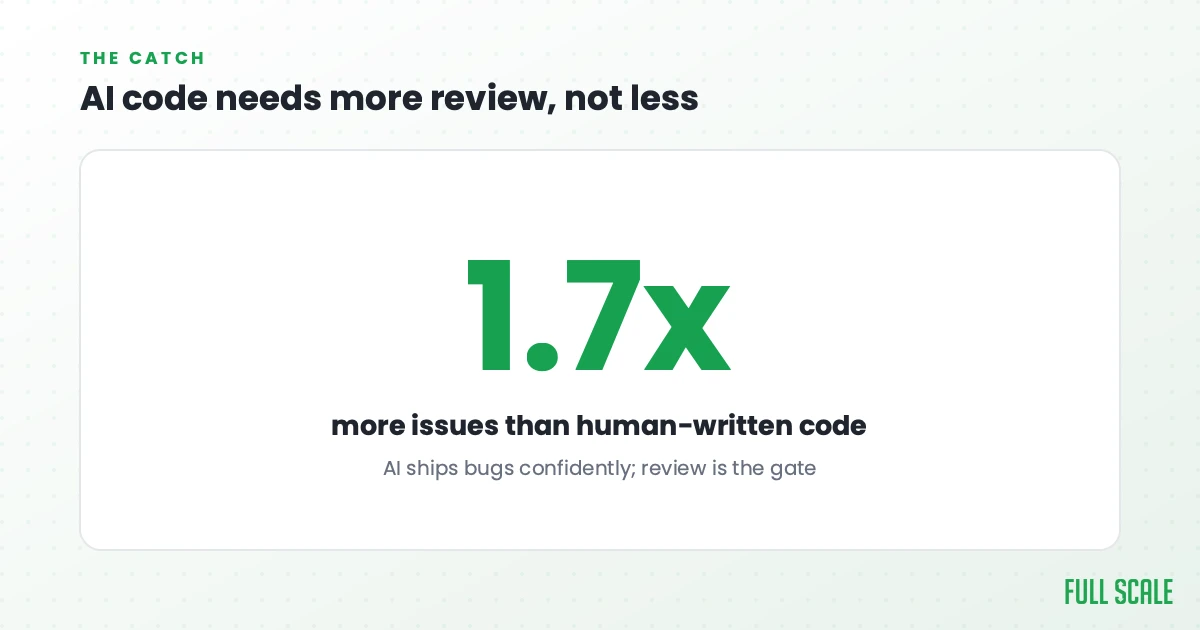
The data is blunt about why. The most common complaint developers had about AI tools in the 2025 Stack Overflow survey was output that’s “almost right, but not quite,” and nearly half said debugging AI-generated code now eats more time than it saves. A separate 2025 analysis of GitHub pull requests found AI-written code produced about 1.7 times more issues per pull request than human-written code. You get faster output and more defects to catch, and that only works if your testing keeps up.
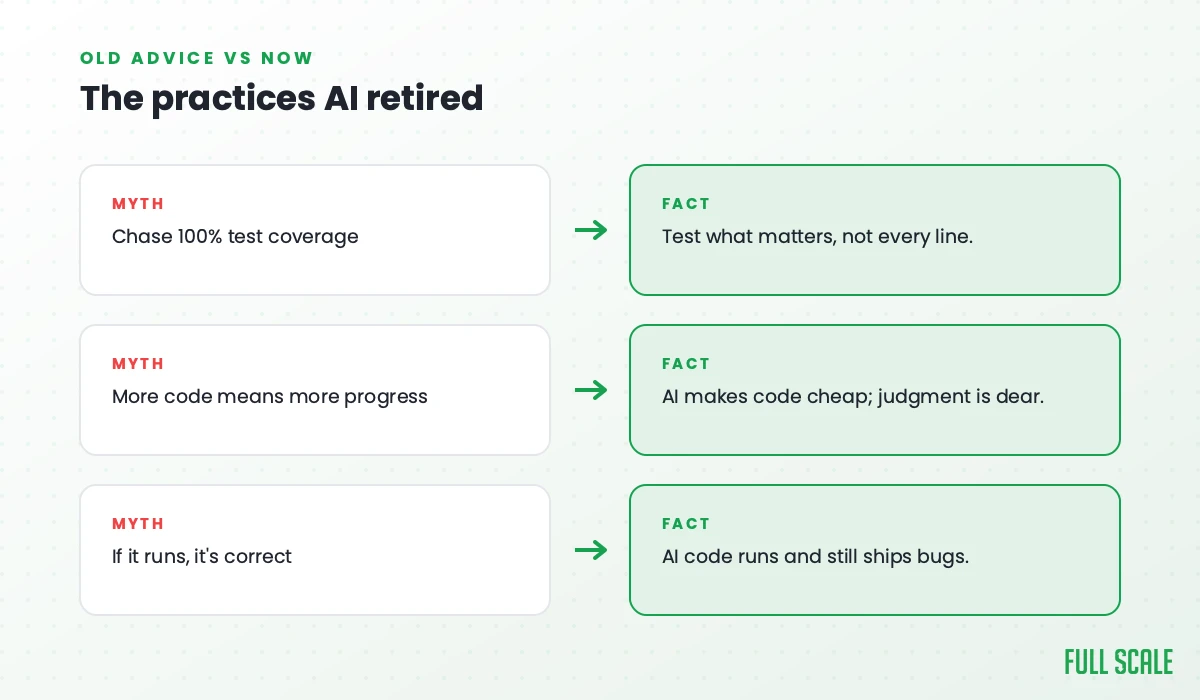
The old advice was to chase 100% code coverage. That was bad advice before AI, and it’s worse now, because you’ll waste your verification budget testing getters and setters while real bugs ship. The practice that actually works is to test where failure costs you something. I call it the Business Impact Test, and it decides what to automate versus check by hand. Test what breaks the business, and go lighter on what doesn’t.
| Code type | Test priority | Why |
|---|---|---|
| Payment processing | Critical | Breaks equals lost revenue |
| Authentication logic | Critical | Security breach risk |
| Data transformation | High | Data corruption risk |
| Core business rules | High | Wrong results, real complaints |
| UI components | Medium | Experience matters, but it isn’t fatal |
| Getter and setter methods | Low | Too simple to break |
The most stable codebases don’t have the most tests. They have the right tests, run automatically, every time AI hands them new code.
Reviewing the code now matters more than writing it
Code review has quietly become the main line of defense against confident machine output, and it carries more weight than it ever did. It is also where most secure software development best practices actually get enforced.
There’s a catch most teams haven’t priced in. The review load falls hardest on your senior engineers, the same people you most need building features. I’ve watched it happen on teams that bring in AI tooling without thinking it through. Your best people quietly turn into full-time reviewers, their own output drops, and the roadmap stalls.
Two things keep review healthy. First, keep it fast. If a review takes longer than writing the code, your process is broken, the same lesson that makes code reviews work on distributed teams. We had a client stuck on a three-to-five day review cycle, and their whole team was blocked waiting. We moved them to same-day reviews and throughput doubled with no drop in quality. Second, review for what AI gets wrong, which is logic, security, and whether the thing solves the real problem. Let automated tools handle formatting so your people spend their judgment where it counts.
Simple beats clever, even more now
Here’s the framework we teach every developer at Full Scale: if you can’t explain your code six months later, it’s too complex. I call it the 6-Month Test.
AI raised the stakes on this. These tools can generate clever, dense, technically impressive code in seconds. They cannot make code that humans don’t understand safe to maintain. A fintech client came to us with a codebase their “10x engineers” had written. The code was brilliant and completely unreadable. Every new feature took three times longer because developers spent days decoding the existing code before they could touch it. We brought in senior developers who rewrote the critical paths with boring, proven patterns, and development velocity doubled in two months.
Write code a junior developer can change, and comment on why the code does something rather than what it does. Choose the proven solution over the impressive one. When AI can produce infinite complexity on demand, the discipline to keep things simple is a competitive advantage.
The best practices that don’t survive
Following the list like it’s the law
The biggest mistake I see, across the 200+ companies we’ve worked with, is teams treating best practices like a compliance checklist instead of a set of tools.
Best practices for software development are tools, not rules. A hammer is great for nails and terrible for screws. Code reviews are valuable when you have a real feedback culture, and pointless when they’re rubber stamps. Unit tests are essential for critical paths and a waste of time on trivial ones. According to McKinsey research, teams with high technical debt deliver features 25 to 50% slower, and plenty of those teams were following the rulebook to the letter. They were checking boxes instead of building software. AI makes that failure faster, because now the boxes get checked at machine speed while the product still misses the point.
Chasing 100% test coverage
Teams cling to this one harder than any other. A 100% coverage target is security theater. It’s like putting locks on the second-floor windows nobody can reach while the front door stays open. A high coverage number tells you almost nothing about whether the code that actually matters works, and chasing it burns the verification time AI just made scarce.
Treating typing as the skill
For a long time, being a great developer partly meant being fast and fluent at producing code: memorizing syntax, knowing the framework cold, writing boilerplate from memory. That was a real edge, and it’s mostly gone now.
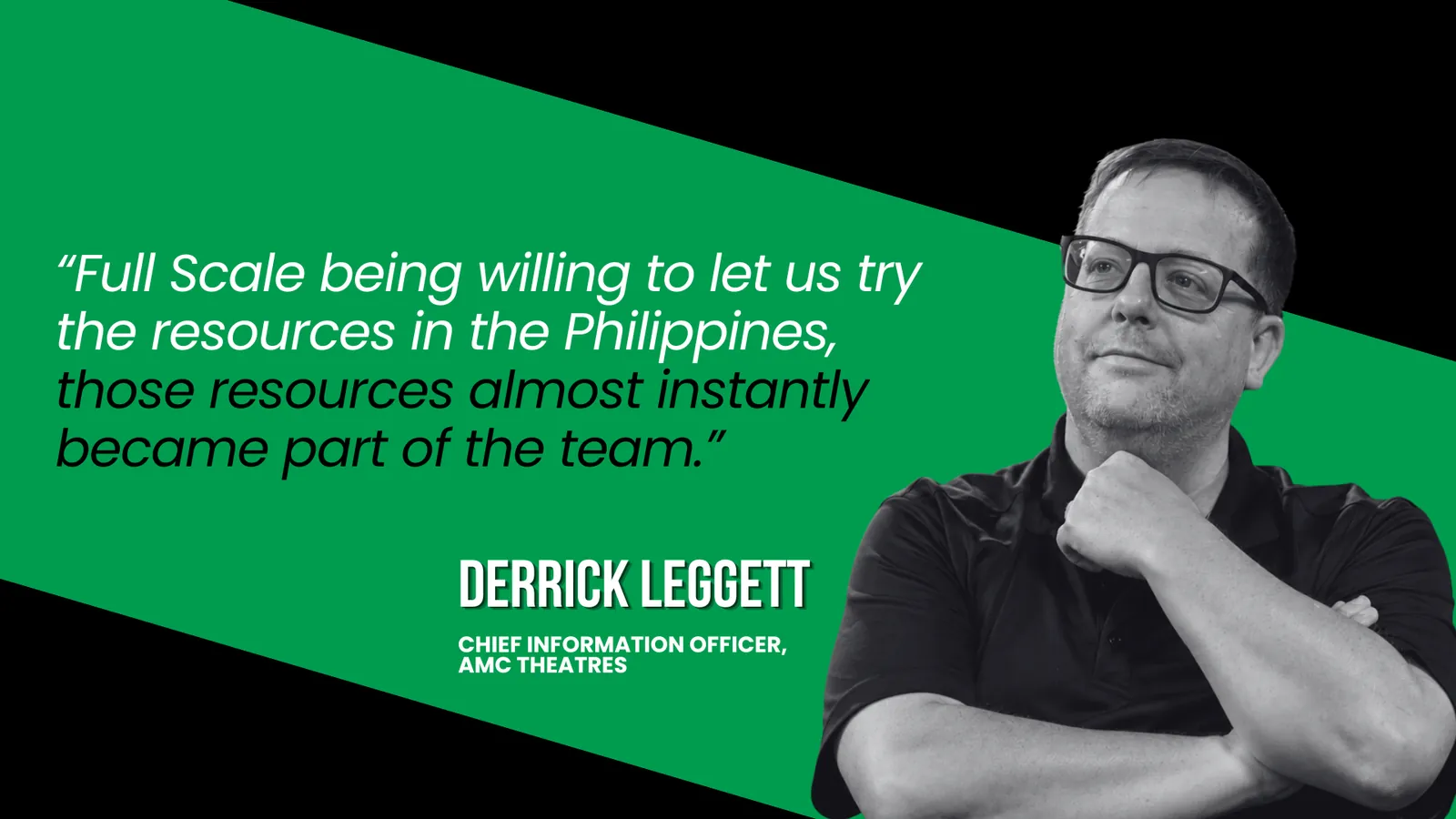
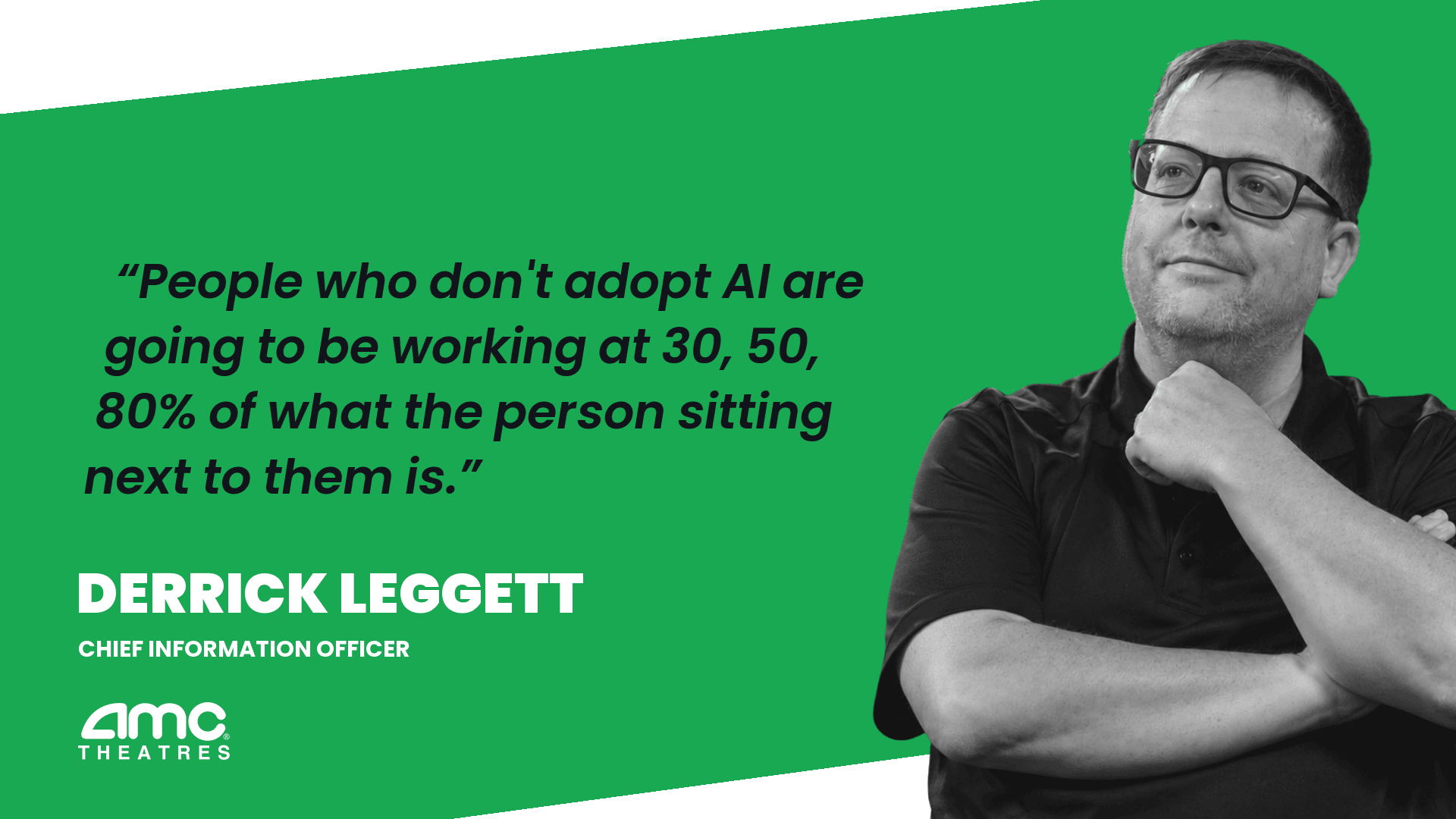
AI does the boilerplate now. The edge moved to the things it can’t do: understanding the domain, questioning the requirements, spotting the design that will trap you in a year, knowing when the “almost right” answer is actually wrong. This is why I tell our engineers the most important thing they can do is stay curious. The career never stops changing, and curiosity is what lets you adapt to it instead of getting passed by. Derrick Leggett, the CIO at our client AMC Theatres, put the stakes bluntly: “People who don’t adopt AI and learn how to use it are going to be working at 30%, 50%, 80% of what the person sitting next to them is.” Curiosity, communication, and the courage to push back on a bad spec are becoming the real pillars of the job. The syntax was never the point.
The real best practice nobody talks about
You can follow every practice above perfectly and still ship bad software, because the deepest best practice isn’t a coding guideline at all.
It’s having enough of the right people to do the work well.
AI made this more true, not less. There’s a popular claim that AI lets you run a smaller, cheaper team, and on well-specified, low-stakes work it honestly can. A couple of strong people can now ship what used to take a squad. The trouble starts where the stakes are high and the problem is fuzzy, which is most of what a real product is actually made of. That’s where AI raises the bar on judgment instead of lowering the headcount, and judgment is the expensive part. When the typing is free, the value of a developer is in what they decide and what they catch, and that’s the hardest thing to hire cheaply.
This is where teams get burned chasing the lowest possible cost. They go find the cheapest developer they can, usually a freelancer or a project shop, and assume AI will cover the gap in skill. I call this cheapshoring, and it fails for the same reason it always did. If cost is the only reason you’re hiring someone, you’ll buy the cheapest thing available, and the cheapest thing can’t supply the judgment AI now demands. You end up in the long line of people who tried offshore once, got burned, and swore it off.
The answer isn’t cheaper people. It’s the right people, with enough capacity to actually apply good practices instead of cutting corners to survive the week. The signals that predict how a team performs point back to the same thing: capacity and judgment, not raw output.
What this means for building your team
At Full Scale, we help companies build offshore software development teams in the Philippines, and the way we do it has only gotten more relevant as AI reshaped the work. We staff senior developers who work as an extension of your team, trained on the product thinking from Product Driven and equipped with the modern AI toolkit.
That combination is what matters. A developer who can drive AI tools and understands what your customer actually needs is worth far more than two who can only do one or the other. Our staff augmentation model puts those developers directly in your standups, your Slack, and your code reviews, with no middleman in between. That kind of integration is what real developer collaboration depends on.
It also holds up over time. Our developer retention is 93%, well above the industry norm, which means the person who learned your codebase and your product is still there a year later, not starting over with someone new. When the hard part of the job is accumulated judgment about your specific product, that continuity is worth real money.
The teams that win the AI era are the ones that get clear about what to build, verify it ruthlessly, and keep enough good people around to do both.
Build a team that’s ready for how software actually gets made now
Hire developers who think, not just type →
There are no long-term contracts, pricing is transparent, and senior developers are integrated into your team in two to three weeks.
Key takeaways
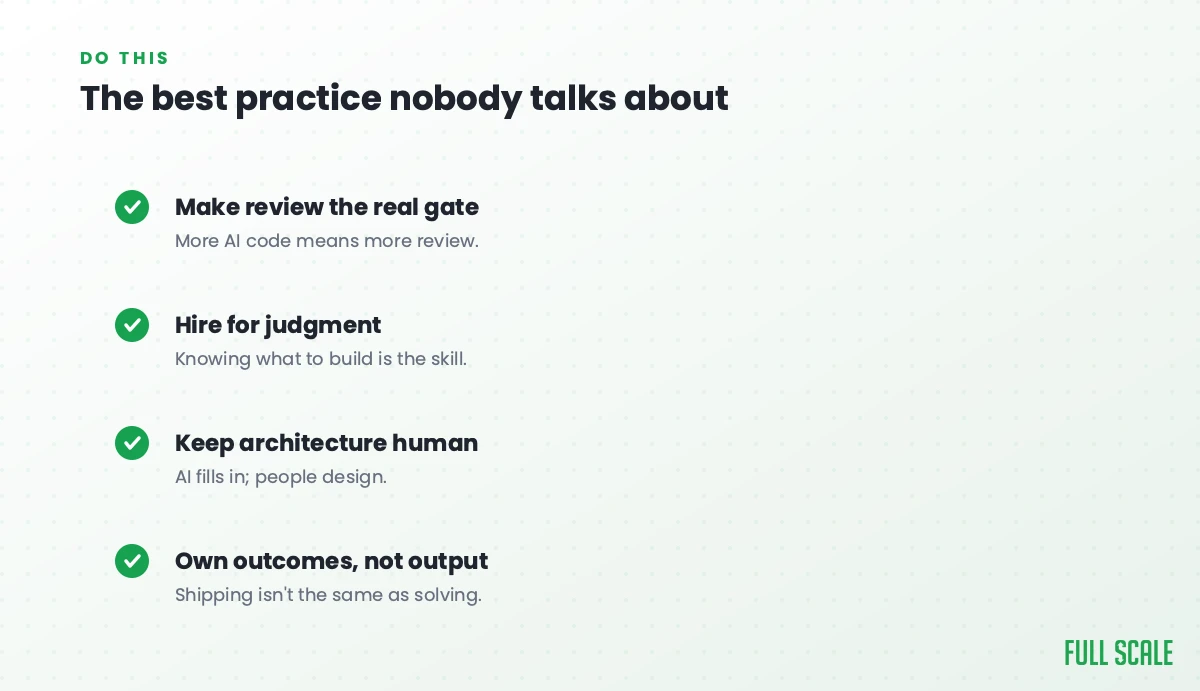
- AI writes a growing share of the code, so the best practices that matter most are now about deciding what to build and proving it works, not producing the code.
- Requirements and context are the new bottleneck. How fast and how clearly you define the problem decides how fast you can ship.
- Quality assurance has to scale up, not down. AI ships more code with more defects, and verification is now your scarce resource.
- Code review carries more weight than writing, and the load falls on senior engineers. Keep reviews fast and focused on logic, security, and fit.
- Simple beats clever, even more than before, because AI can generate complexity no human can safely maintain.
- The deepest best practice is still having enough of the right people. AI raises the bar on judgment, so cheapshoring fails harder than ever.
Frequently asked questions
What are the most important software development best practices now that AI writes code?
The most important practices have shifted from producing code to directing and verifying it. Get the requirements and context right, because how clearly you define the problem decides how good the AI output is. Scale up quality assurance, since AI ships more code with more defects. Review for logic and security, not formatting. Keep code simple enough for a human to maintain. And make sure you have enough capable people to do all of that, because no practice survives an understaffed team.
Does AI mean I need fewer developers?
Usually not. AI automates the typing, but it raises the bar on judgment, requirements, and review, which are the expensive parts of the job. Most teams find they need people who are better at product thinking and verification, not fewer people overall. Cutting to the cheapest possible team and expecting AI to cover the gap is a common and costly mistake.
How does AI change code reviews and testing?
It makes both more important and more demanding. AI produces code faster than humans can read it, and studies in 2025 found AI-written code carried more issues per pull request than human-written code. That puts a heavier load on testing and review. The fix is to test where failure costs the business real money and to keep reviews fast and focused on logic, security, and whether the code solves the right problem.
Should we still aim for 100% code coverage?
No. Chasing 100% coverage wastes your verification effort on trivial code while real bugs ship, and that waste hurts more in an AI world where verification is your scarce resource. Use the Business Impact Test instead: if broken code loses customers or money, test it thoroughly. If it doesn’t, lighter testing is fine.
How do offshore teams fit into AI-era development?
When they’re integrated properly, senior offshore developers bring exactly what AI-era development needs: product thinking, careful review, and continuity on your codebase. The risk is hiring purely on price, which gives you the cheapest freelancer rather than the judgment the work now requires. The model that works is staff augmentation with senior developers who join your team directly, trained on product thinking and the current AI toolkit.